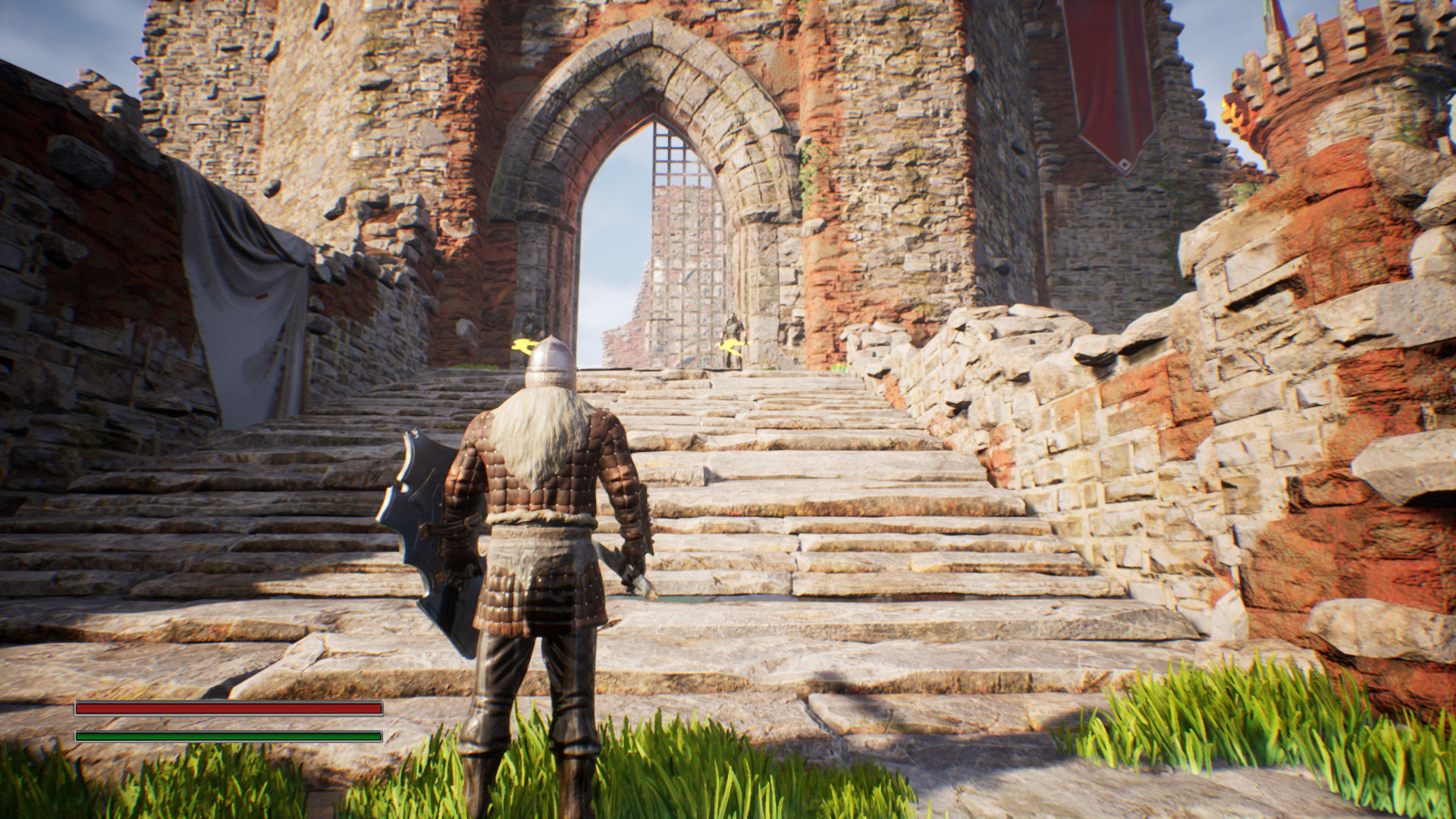
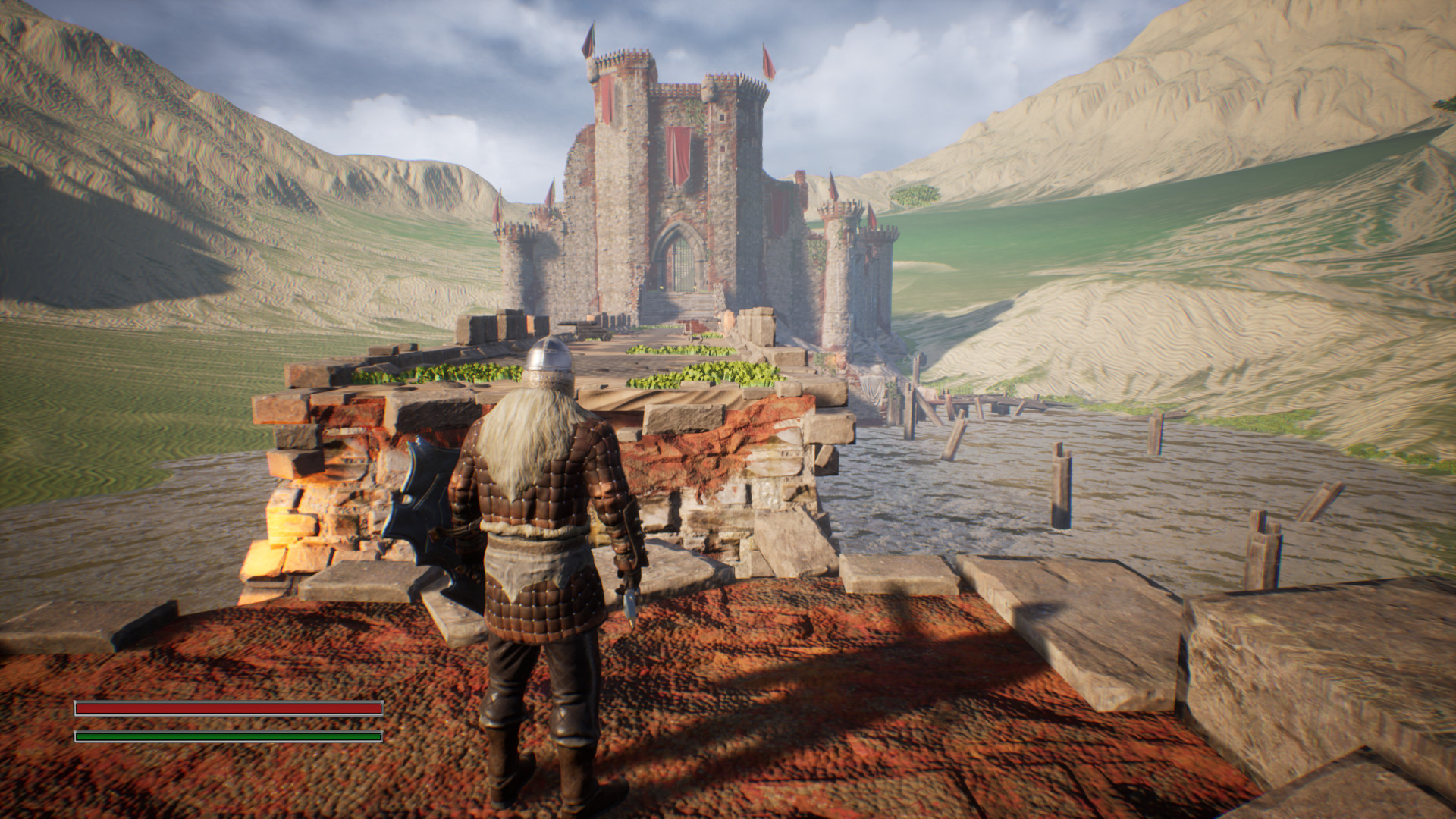
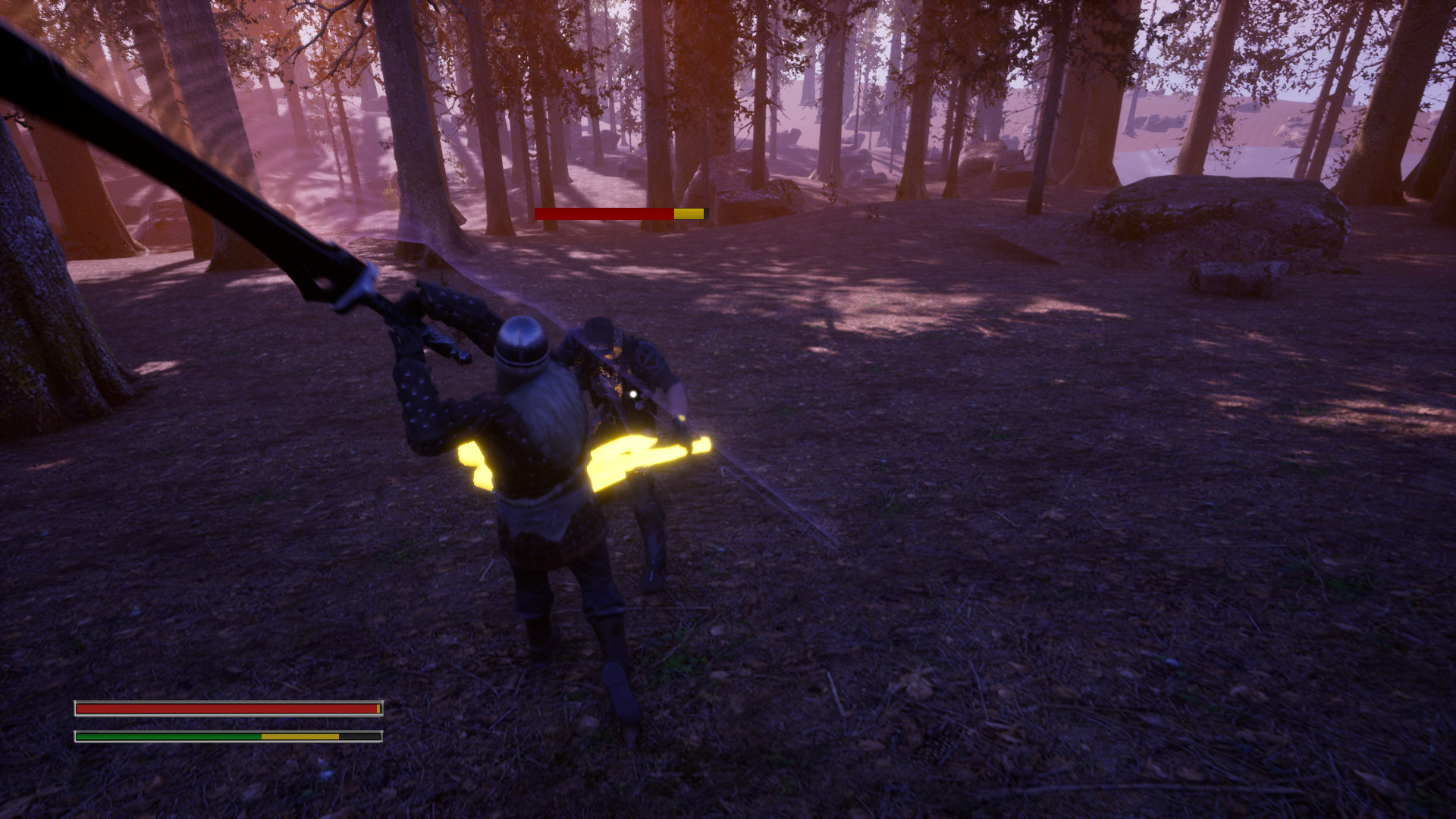
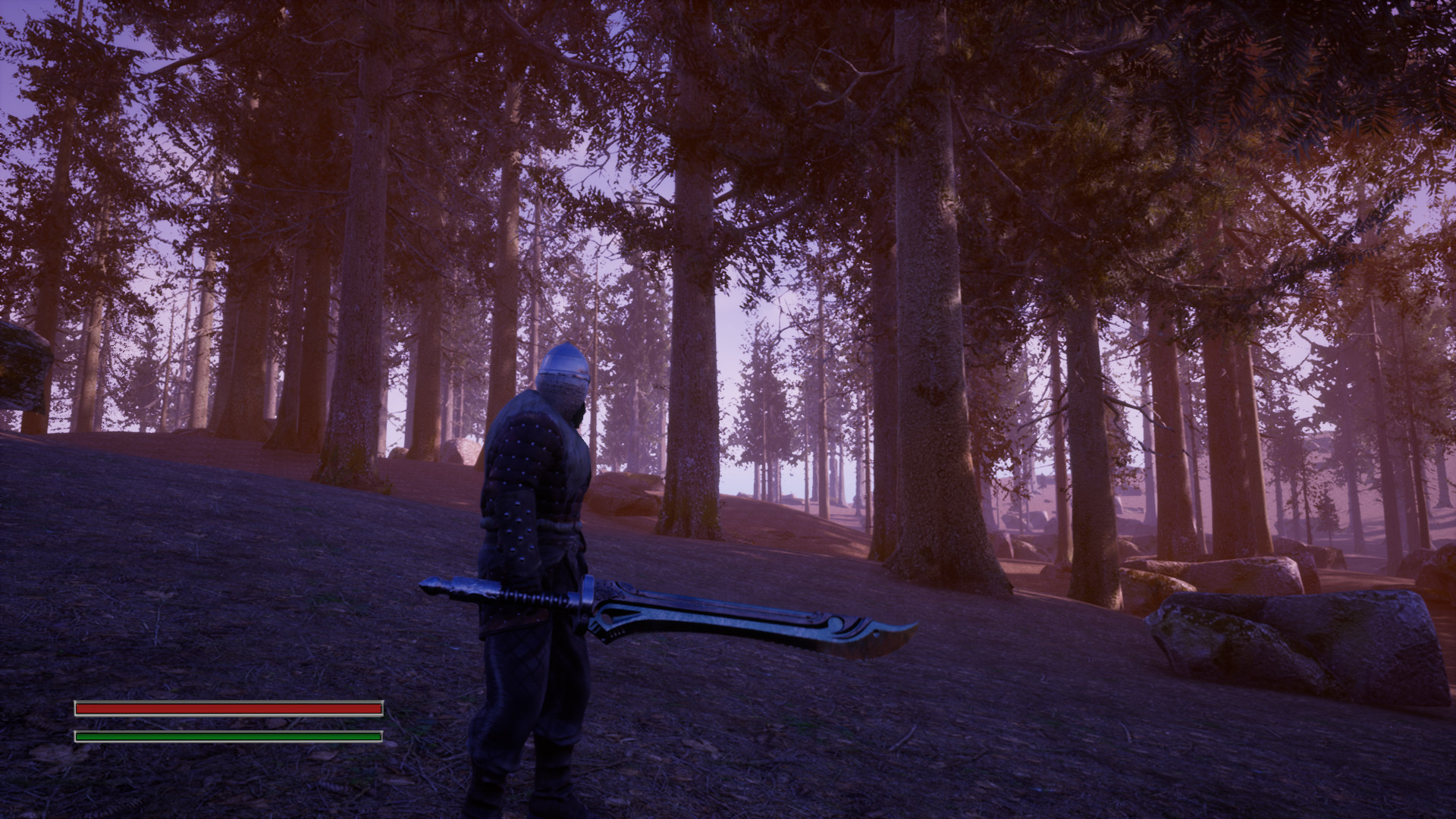
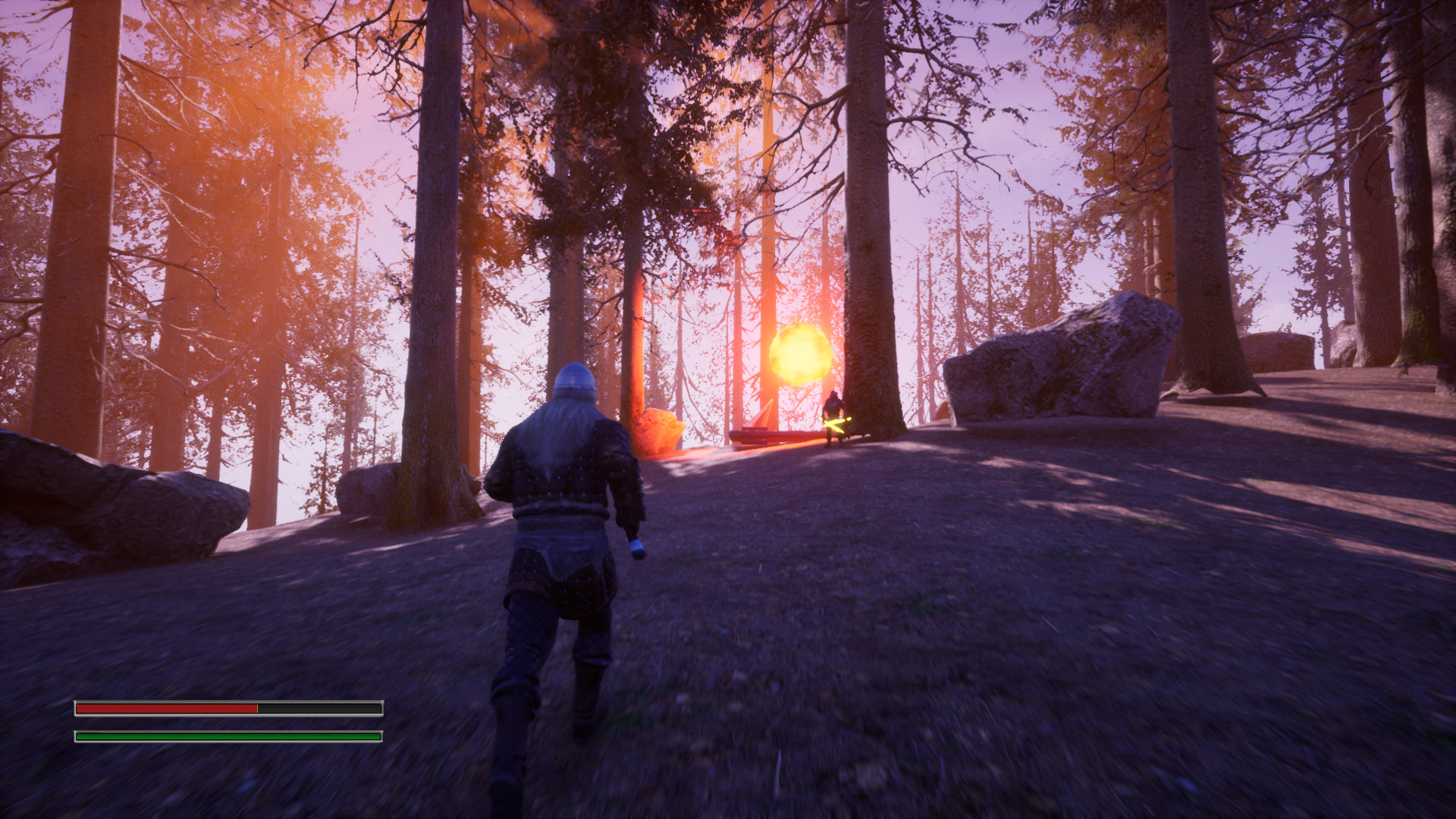
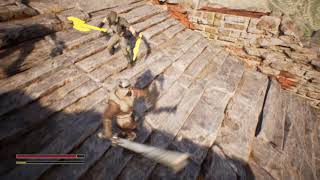
Firelight Fantasy: Phoenix Crew is a game about spectacular sword battles from the third person.This game is an action game based on Scandinavian mythology. Immerse yourself in the unusual story of how the Avov fortress was built. MIGHTY GIANT The mighty giant makes a very tempting offer to the gods. He is ready to build a wall around Asgard. After some deliberation, the gods gave their consent. However, what in return will they have to give the giant? Could this be some clever trick, or was the proposal made from the heart? WRATH OF THE GODS However, the fun is just beginning. The giant must build a wall around the fortress in just one day. Will he cope with this difficult task? It is difficult to give an answer. Otherwise, the giant will face the wrath of the gods and a tough confrontation. But first of all, you need to get to the fortress itself. THUNDER STRIKE When you make a promise, then you need to get down to deal and bring it to the end. This time you have to make a way through difficult lands. Opponents who were sent by the gods will be waiting for you so that you cannot be in time. But the fun is just beginning. GAME FEATURES: 6 maps and a story based on the myth of the Avov fortress Spectacular battles Procedurally generated worlds Different types of weapons and types of attacks Enemies of different difficulty Stunning soundtrack
| Publisher | Firelight Interactive |
| Developer | Firelight Interactive |
| Platform | Steam |
| Release Date | 16 Aug 2021 |
| Region | Worldwide |
| Type | Digital CD Key |
| Delivery | ⚡ Instant |
| Languages | English, French, Italian, German, Spanish + more |
⚡ Instant Delivery
Get your game key immediately after purchase via email. No waiting, no delays.
🔑 100% Genuine Key
We sell only legitimate digital keys. No accounts, no grey market tricks.
🛡️ Lifetime Warranty
Every key comes with a lifetime warranty. If it doesn't work, we fix it — always.
🏴☠️ Permanent Ownership
Your key is yours forever with no restrictions, subscriptions or expiry dates.
- Download and install Steam on your PC
- Sign in to your Steam account (or create one for free)
- Click "Add a Game" in the bottom-left corner → "Activate a Product on Steam"
- Enter your unique key from the Orders page
- Game is added to your library — ready to download!