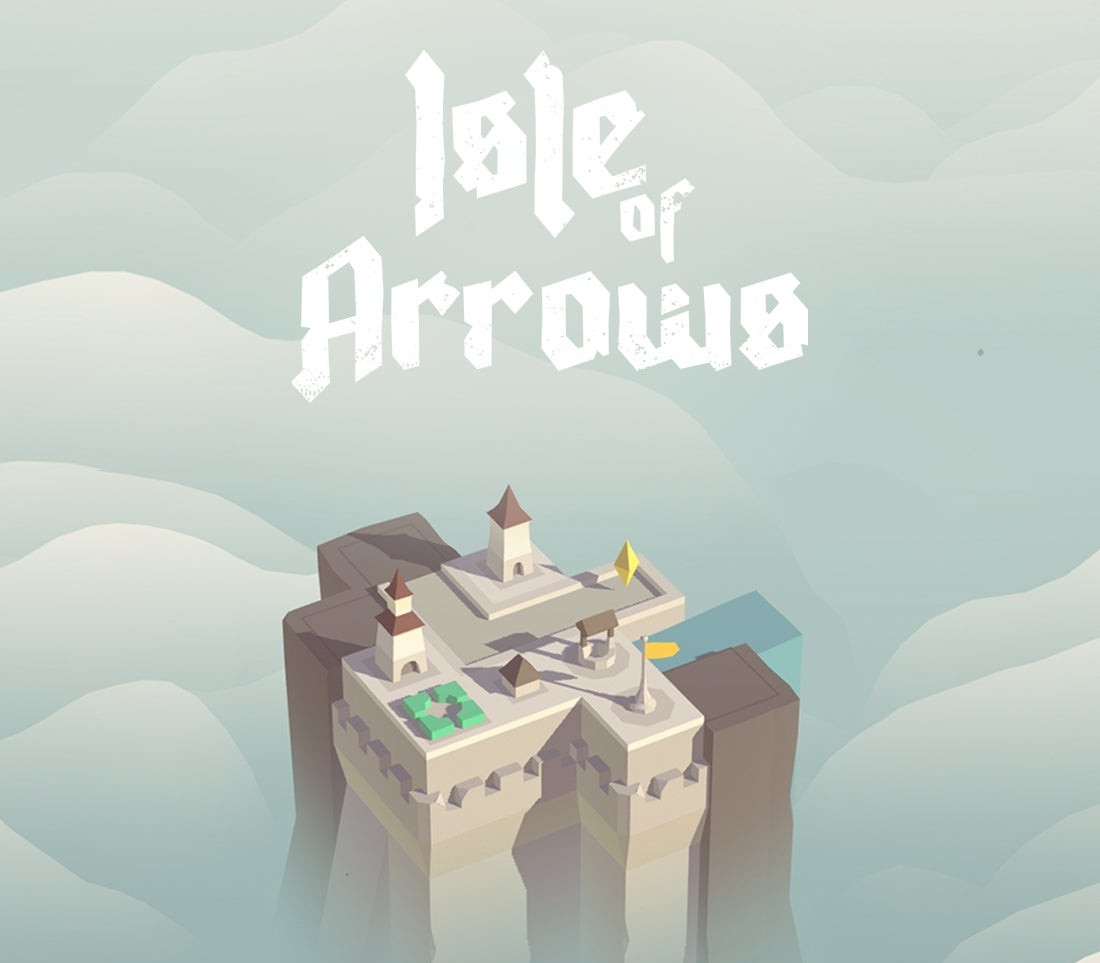
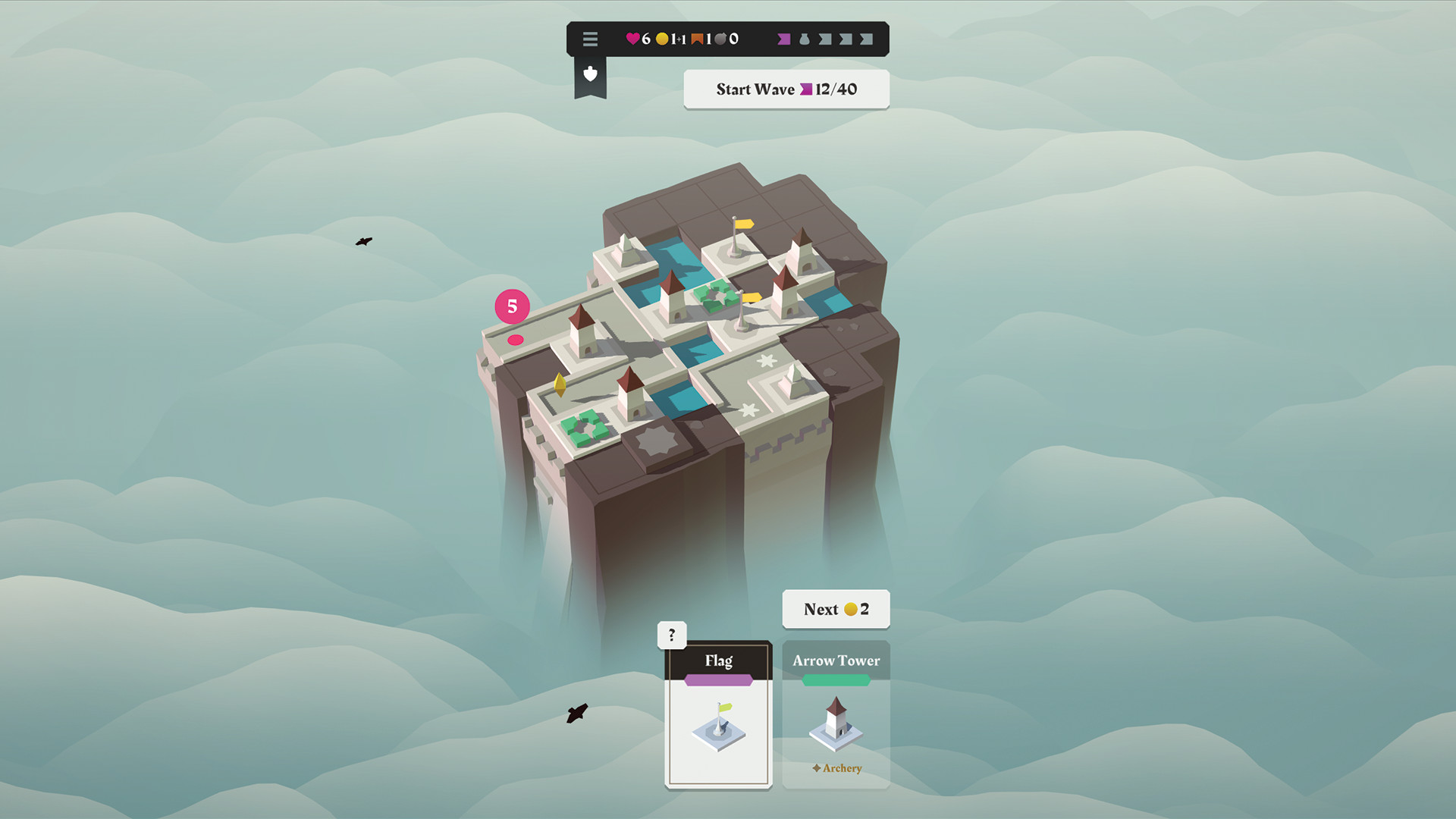
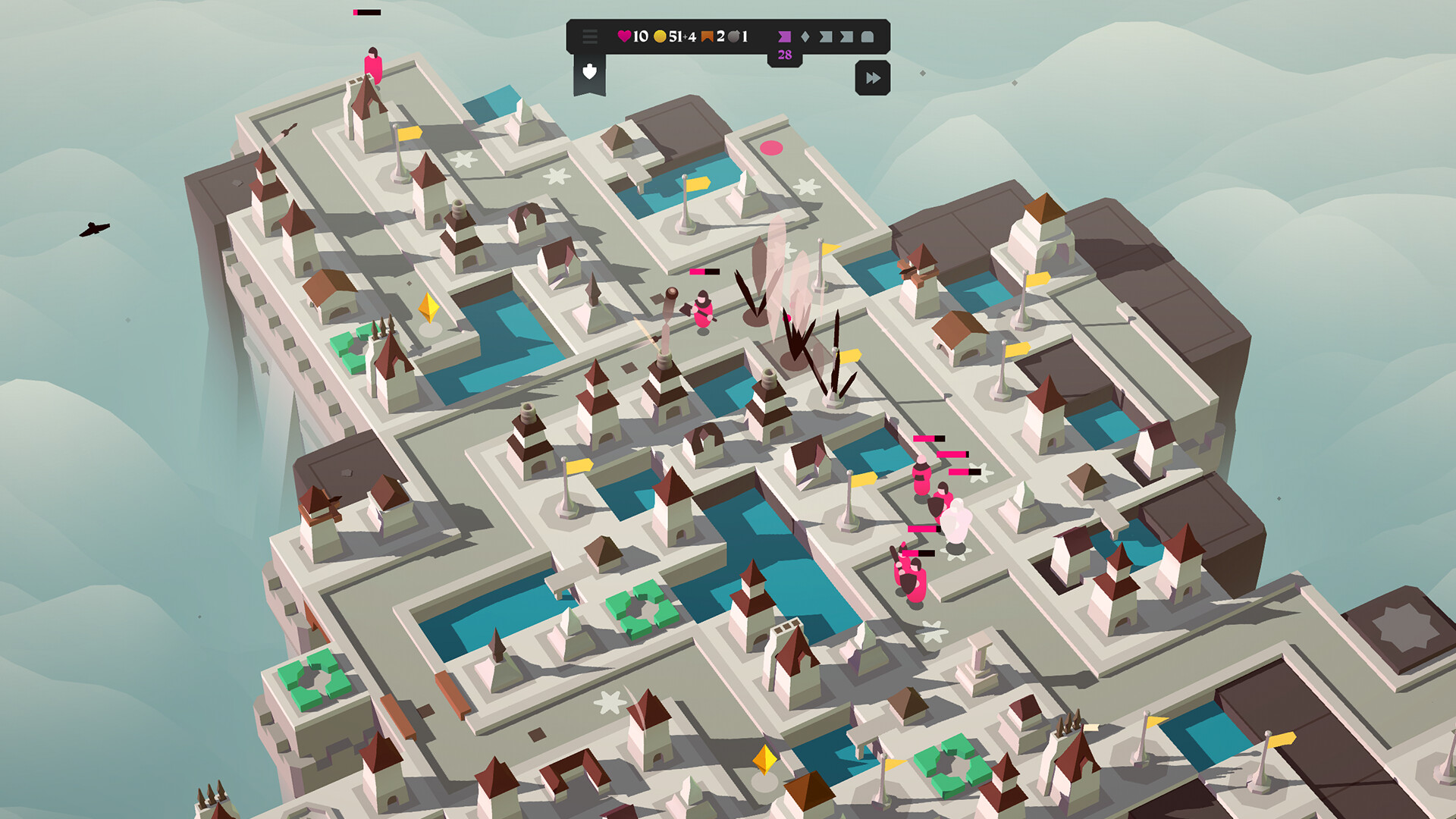
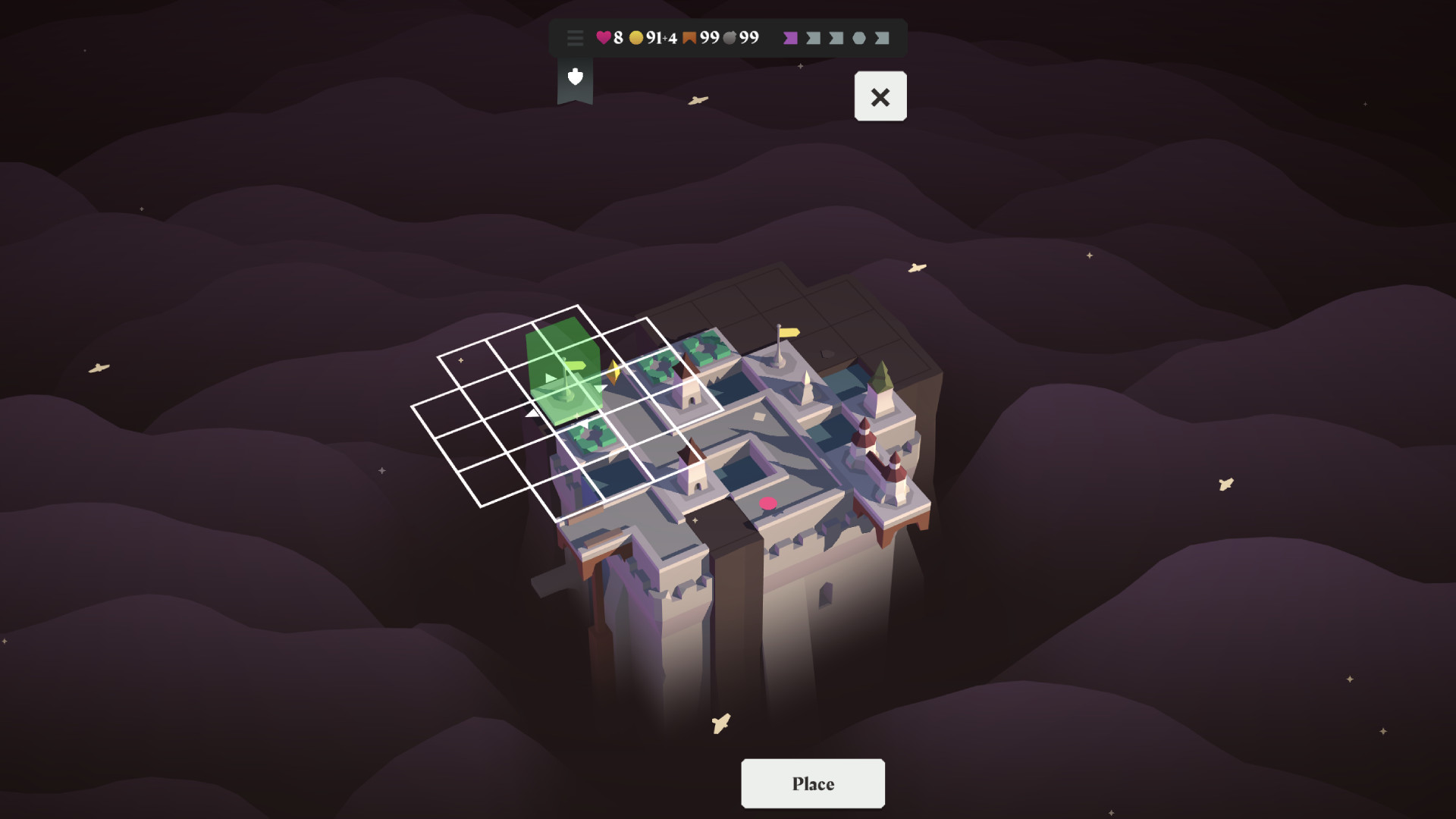
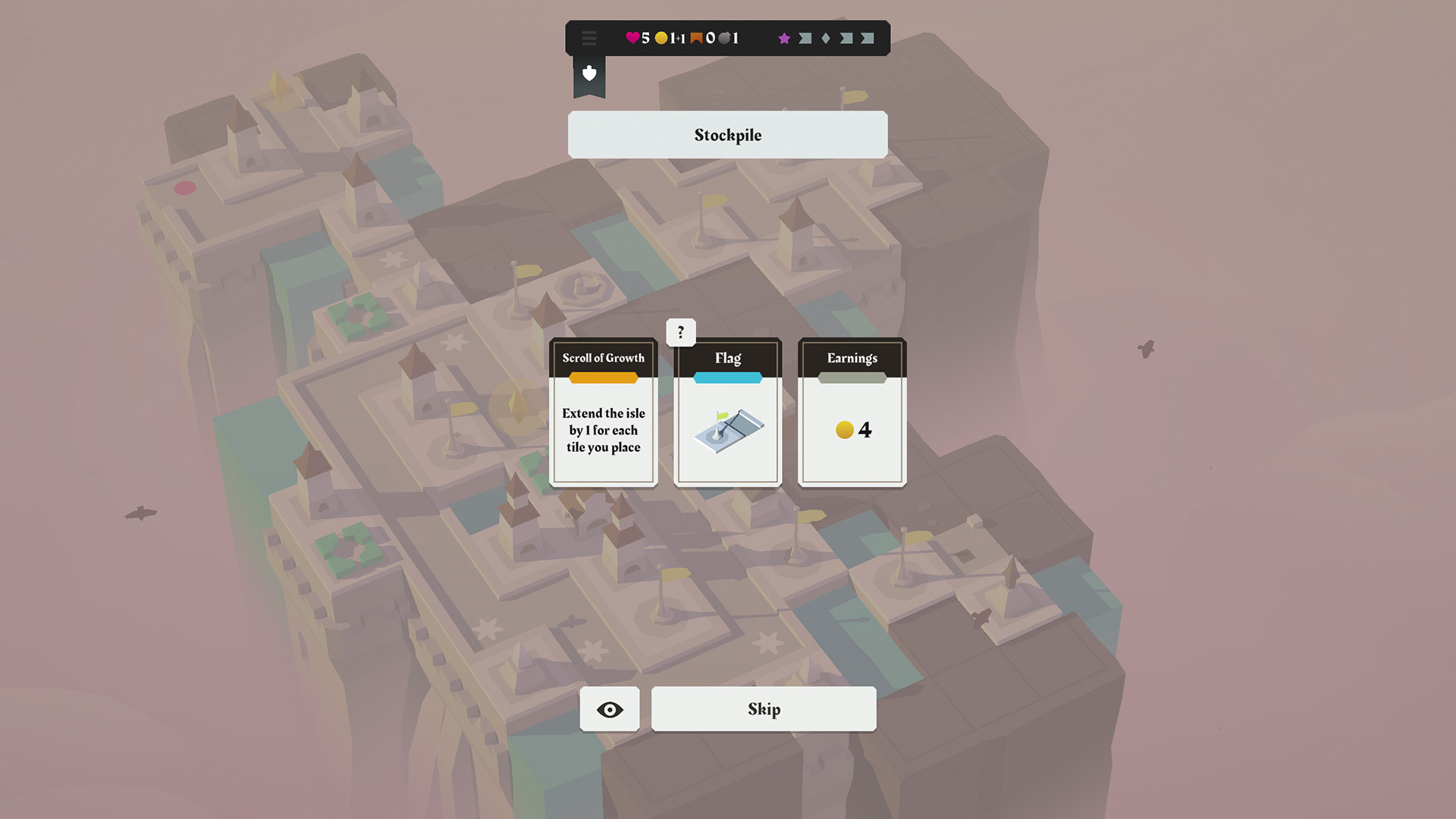
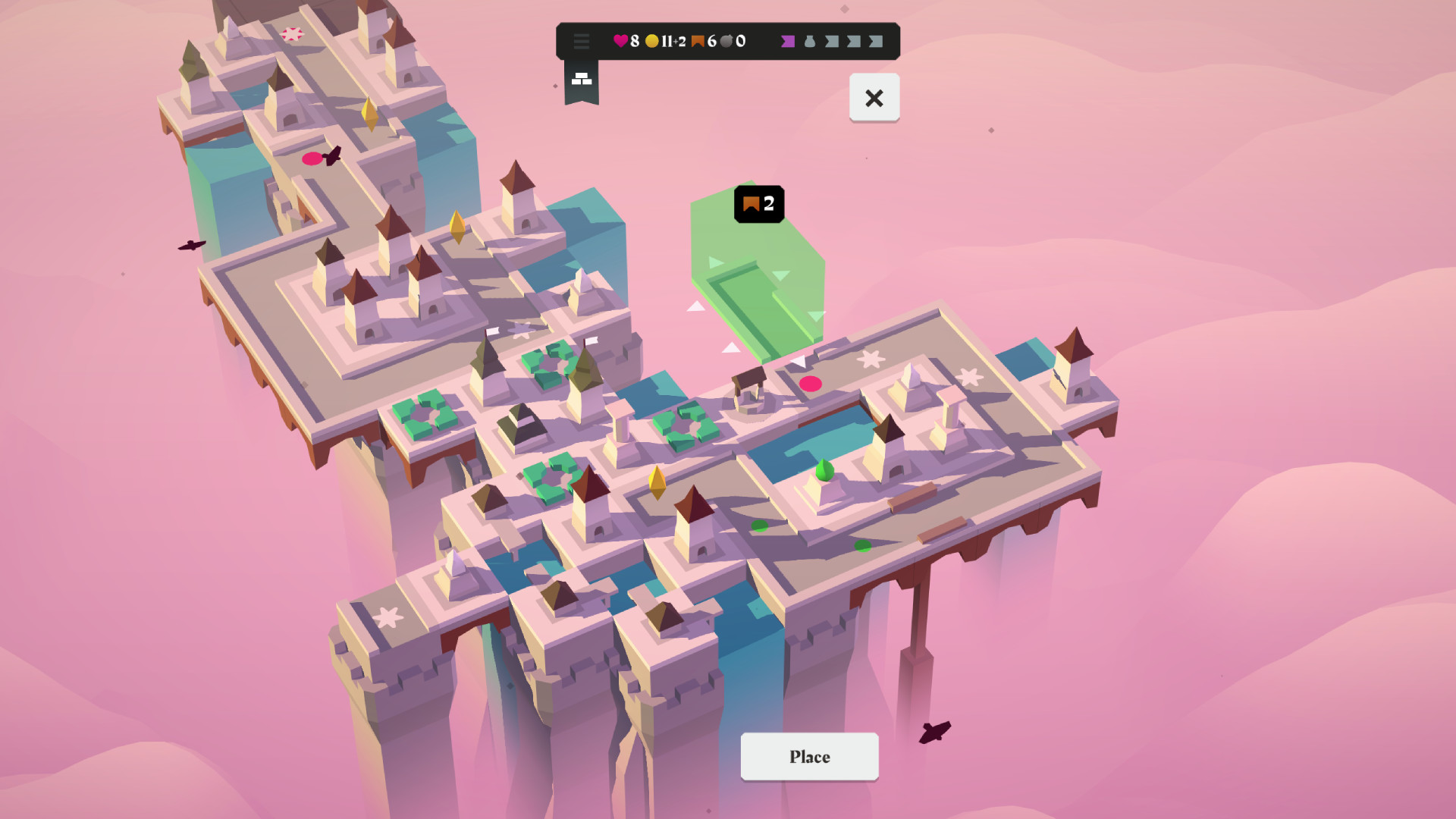
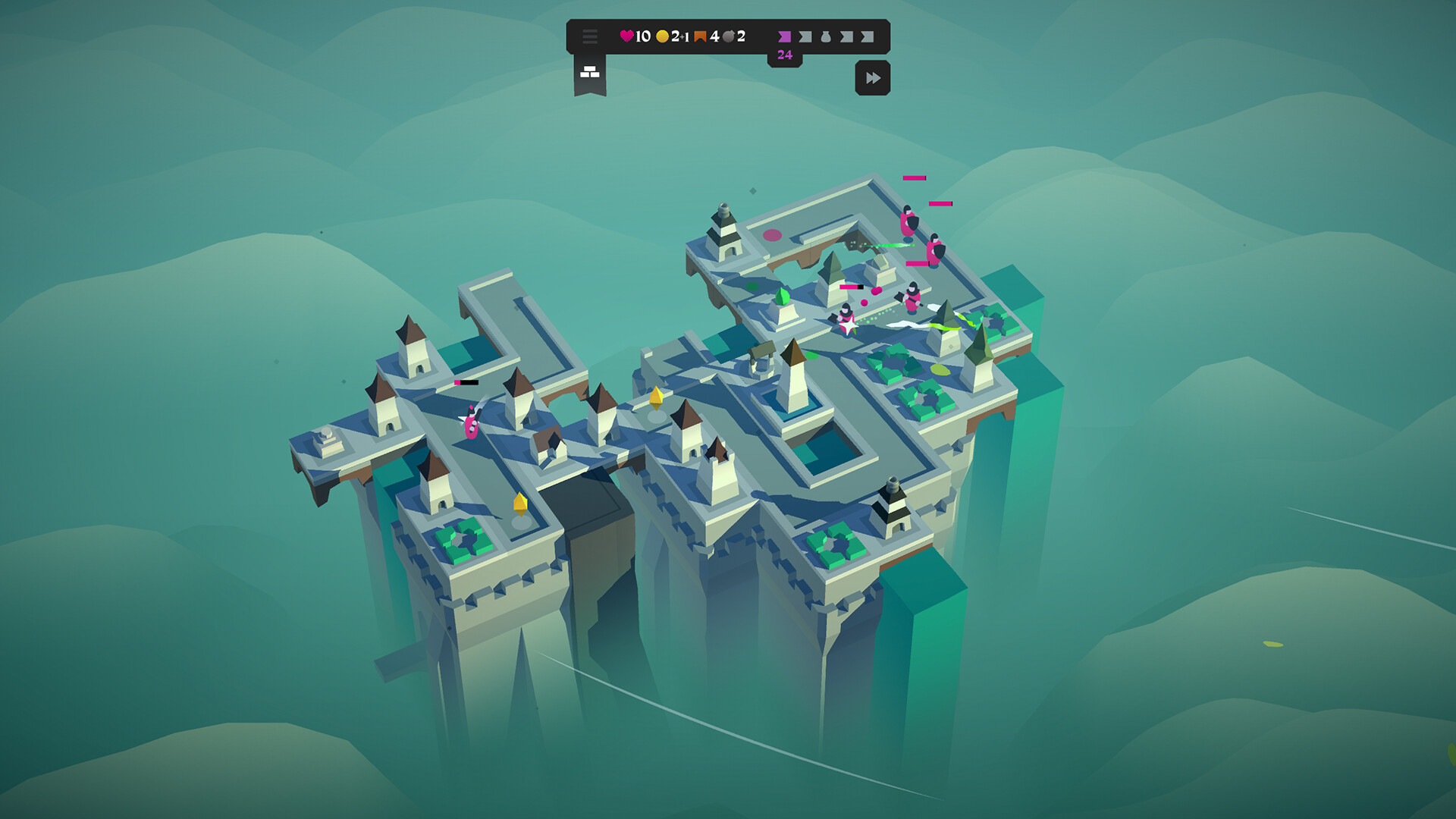
Isle of Arrows is a fusion of board game and tower defense, in which you place randomly drawn tiles to build defenses on an ever-growing piece of land. Tile-Placement meets Tower Defense: Isle of Arrows is a unique blend of genres that adds a new strategic puzzle element to the Tower Defense formula. Roguelike structure: Each run is randomly generated with different tiles, enemies, rewards and events. Playing through campaigns unlocks more elements to appear in the game. Modes & modifiers: A variety of game modes, guilds, game modifiers, and challenges make each playthrough unique and add endless replayability. Each round, you place randomly drawn tiles on the isle. Spending coins allows you to skip a tile. When you're ready, start the next enemy wave and watch your placed defenses in action.Towers attack the invaders. Roads build out the path the enemies walk on. Flags extend the isle, giving you more space to build. Gardens reward you with coins. Taverns boost all adjacent archery towers. And so on. Features 3 game Modes: Campaign, Gauntlet, Daily Defense 3 themed campaigns that each have their own unique set of tiles 4 guilds that each have their own playstyle 70+ tiles 75+ bonus cards and relics 10+ events that can help or hinder you 10+ game modifiers 9 Puzzle style achievements Randomly drawn bonus cards give access to resources, upgrades, and buffs.
| Publisher | Gridpop |
| Developer | Gridpop |
| Platform | Steam |
| Release Date | 08 Sep 2022 |
| Region | Worldwide |
| Type | Digital CD Key |
| Delivery | ⚡ Instant |
| Languages | English, French, German, Spanish |
⚡ Instant Delivery
Get your game key immediately after purchase via email. No waiting, no delays.
🔑 100% Genuine Key
We sell only legitimate digital keys. No accounts, no grey market tricks.
🛡️ Lifetime Warranty
Every key comes with a lifetime warranty. If it doesn't work, we fix it — always.
🏴☠️ Permanent Ownership
Your key is yours forever with no restrictions, subscriptions or expiry dates.
- Download and install Steam on your PC
- Sign in to your Steam account (or create one for free)
- Click "Add a Game" in the bottom-left corner → "Activate a Product on Steam"
- Enter your unique key from the Orders page
- Game is added to your library — ready to download!