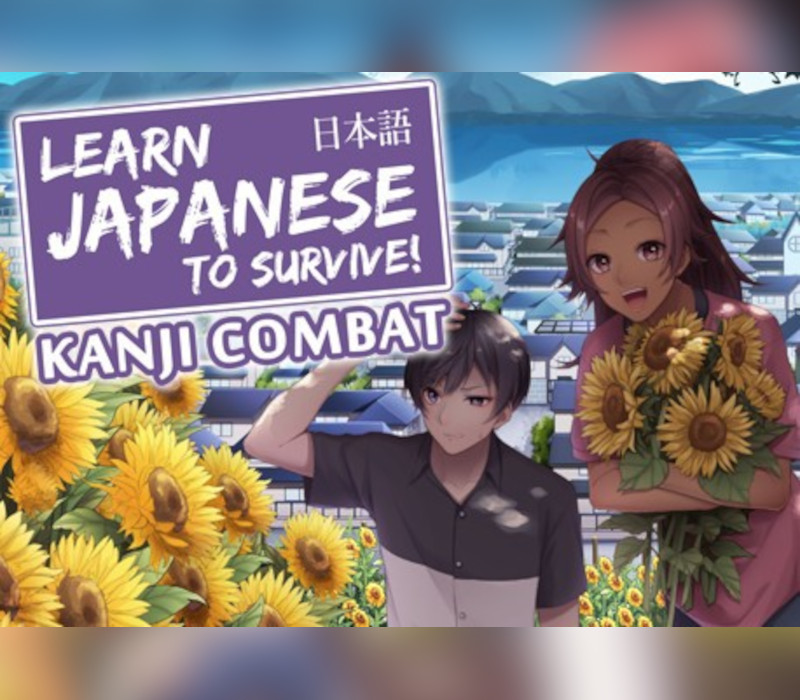

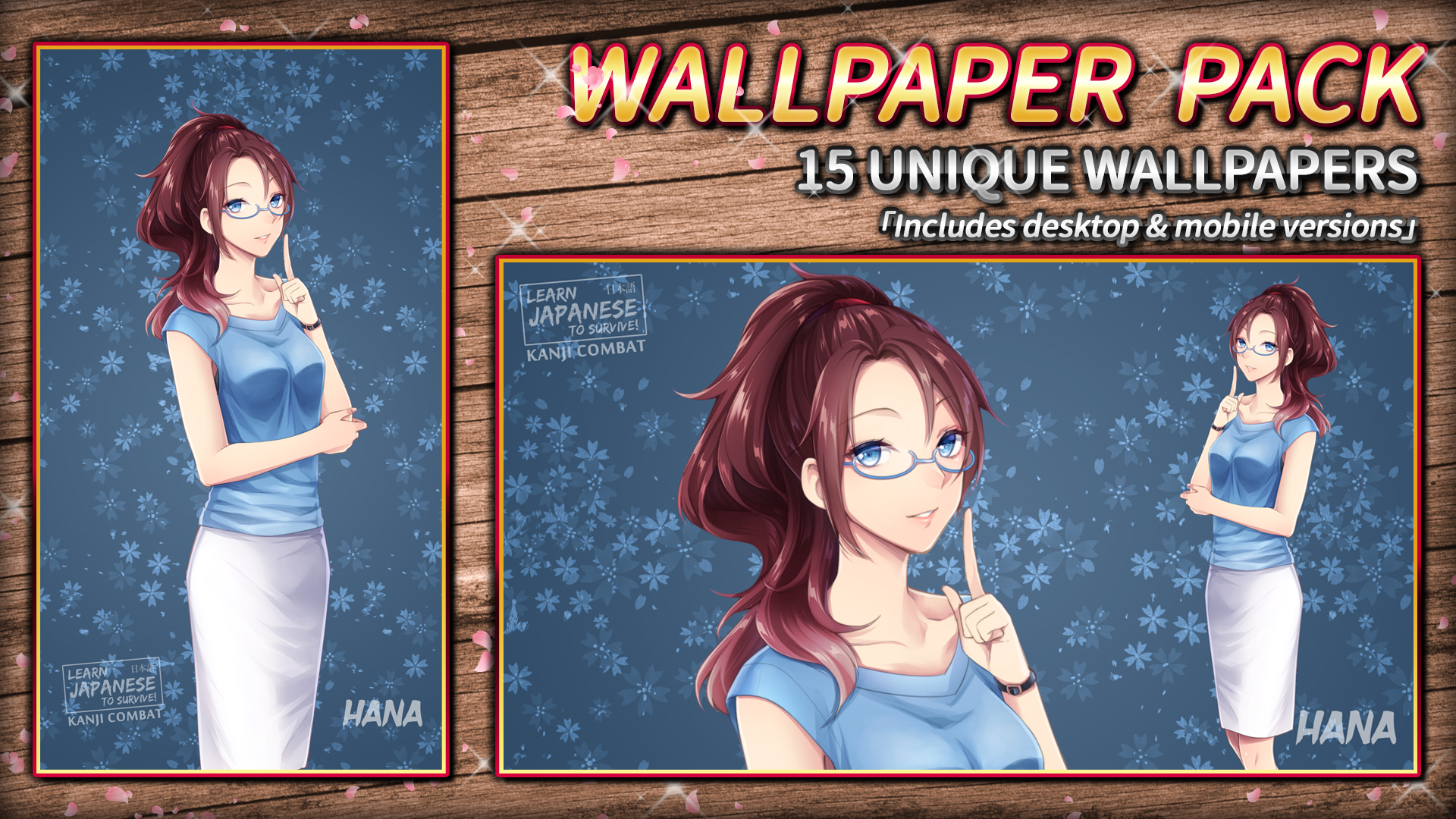
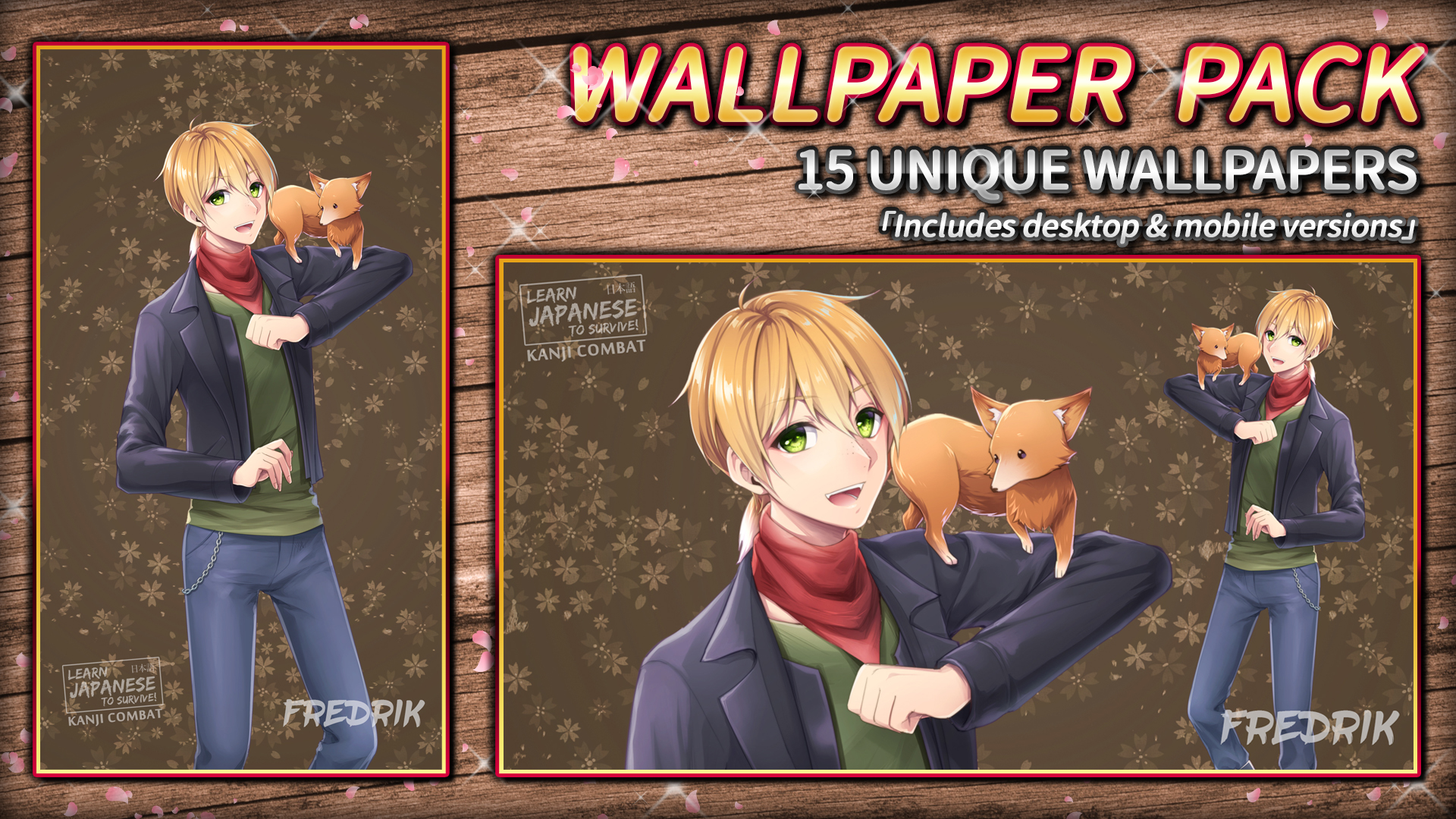
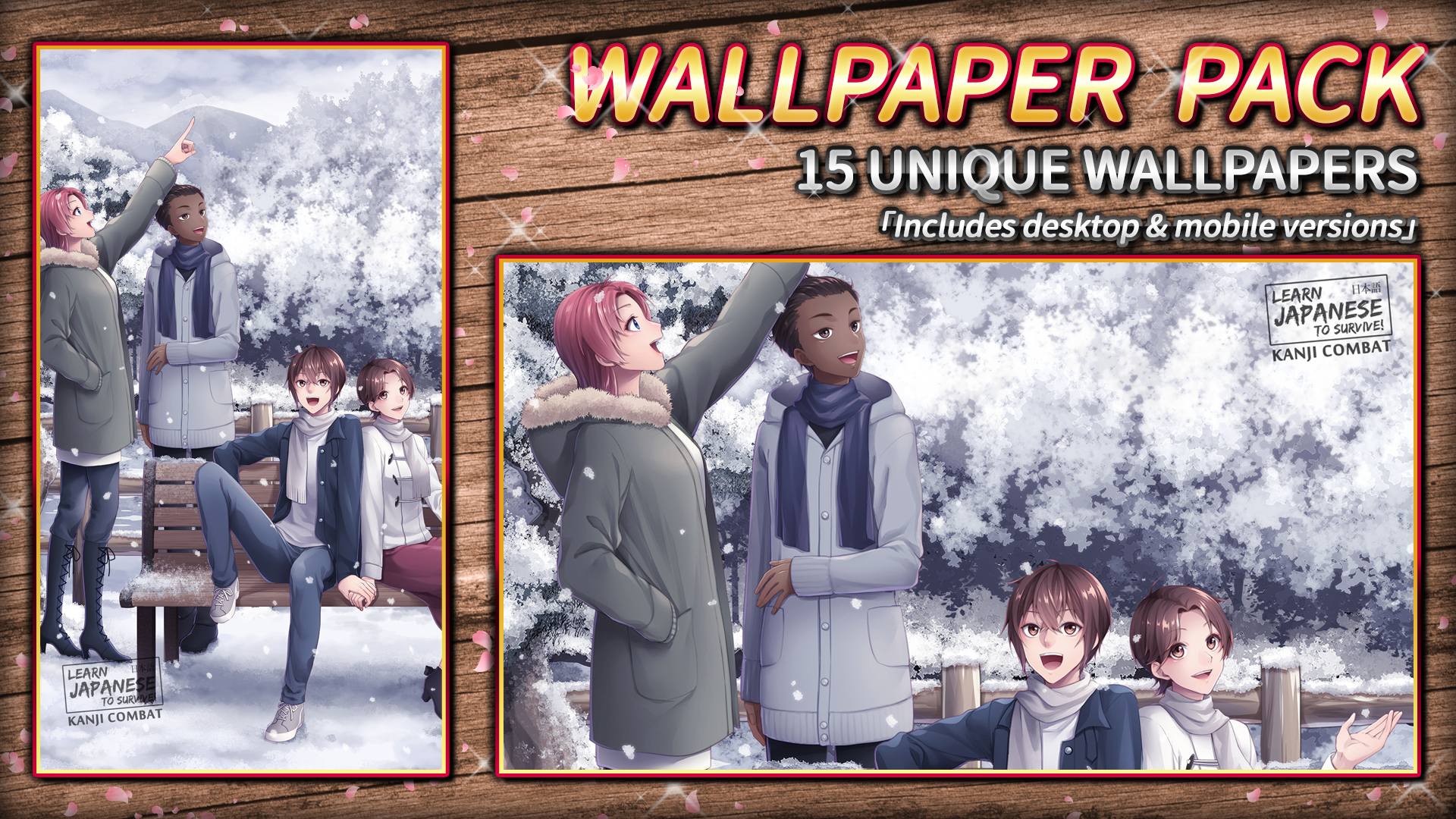

This DLC pack contains 15 unique wallpapers, featuring the characters from Learn Japanese To Survive! Kanji Combat.Each wallpaper is provided in two formats: Desktop and Mobile.Desktop wallpapers are sized at 1920 x 1080.Mobile wallpapers are sized at 1080 x 1920.[LOCATING YOUR DLC ONCE PURCHASED & DOWNLOADED]DLC files are downloaded to your game's Steam directory after purchase. The default location is:\Program Files (x86)\SteamLibrary\steamapps\common\Learn Japanese To Survive! Kanji Combat\If this is not valid on your computer, locate your game's install directory using these instructions: Open the Steam client and navigate to your game library Right-click the entry for Learn Japanese To Survive! Kanji Combat and select Properties Click the Local Files tab Click Browse Local Files This will open the game's directory, and once your DLC is installed, you'll be able to view the files.
| Publisher | RIVER CROW STUDIO |
| Developer | Sleepy Duck |
| Platform | Steam |
| Release Date | 01 Aug 2018 |
| Region | Worldwide |
| Type | Digital CD Key |
| Delivery | ⚡ Instant |
| Languages | English |
⚡ Instant Delivery
Get your game key immediately after purchase via email. No waiting, no delays.
🔑 100% Genuine Key
We sell only legitimate digital keys. No accounts, no grey market tricks.
🛡️ Lifetime Warranty
Every key comes with a lifetime warranty. If it doesn't work, we fix it — always.
🏴☠️ Permanent Ownership
Your key is yours forever with no restrictions, subscriptions or expiry dates.
- Download and install Steam on your PC
- Sign in to your Steam account (or create one for free)
- Click "Add a Game" in the bottom-left corner → "Activate a Product on Steam"
- Enter your unique key from the Orders page
- Game is added to your library — ready to download!