About the Game
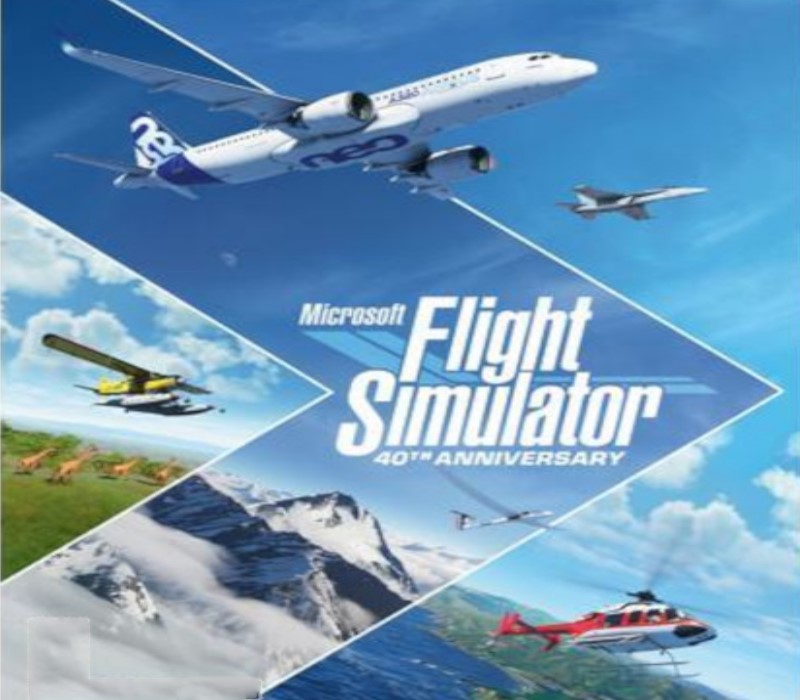
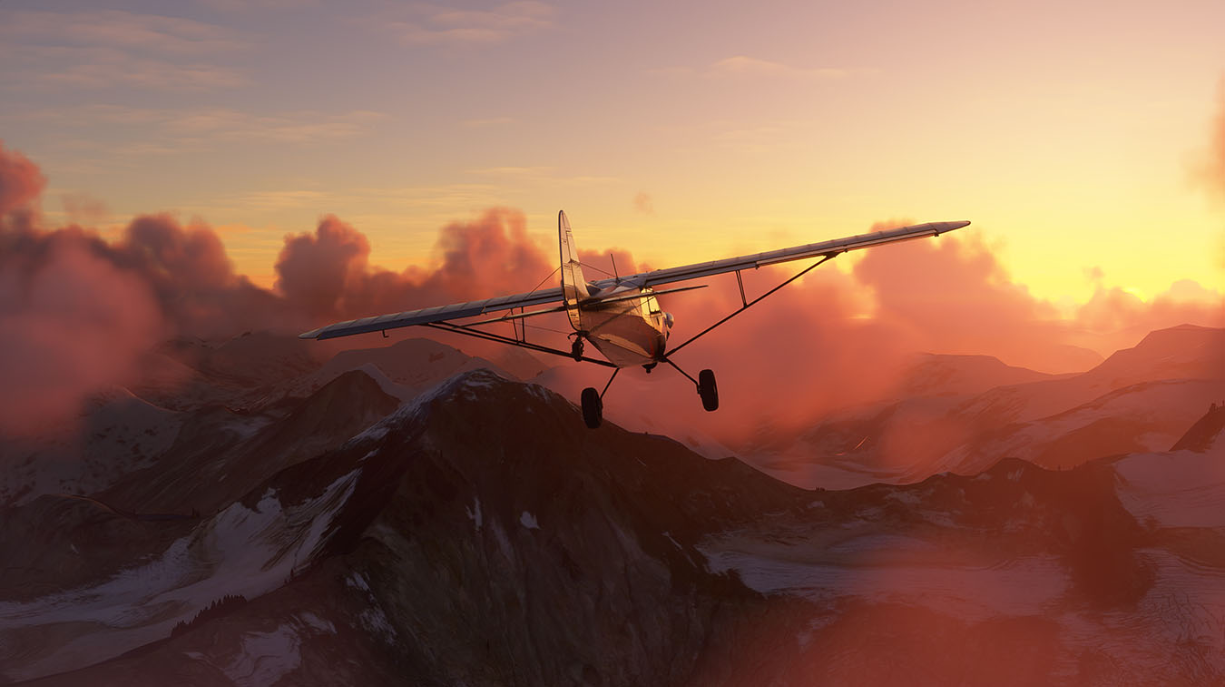
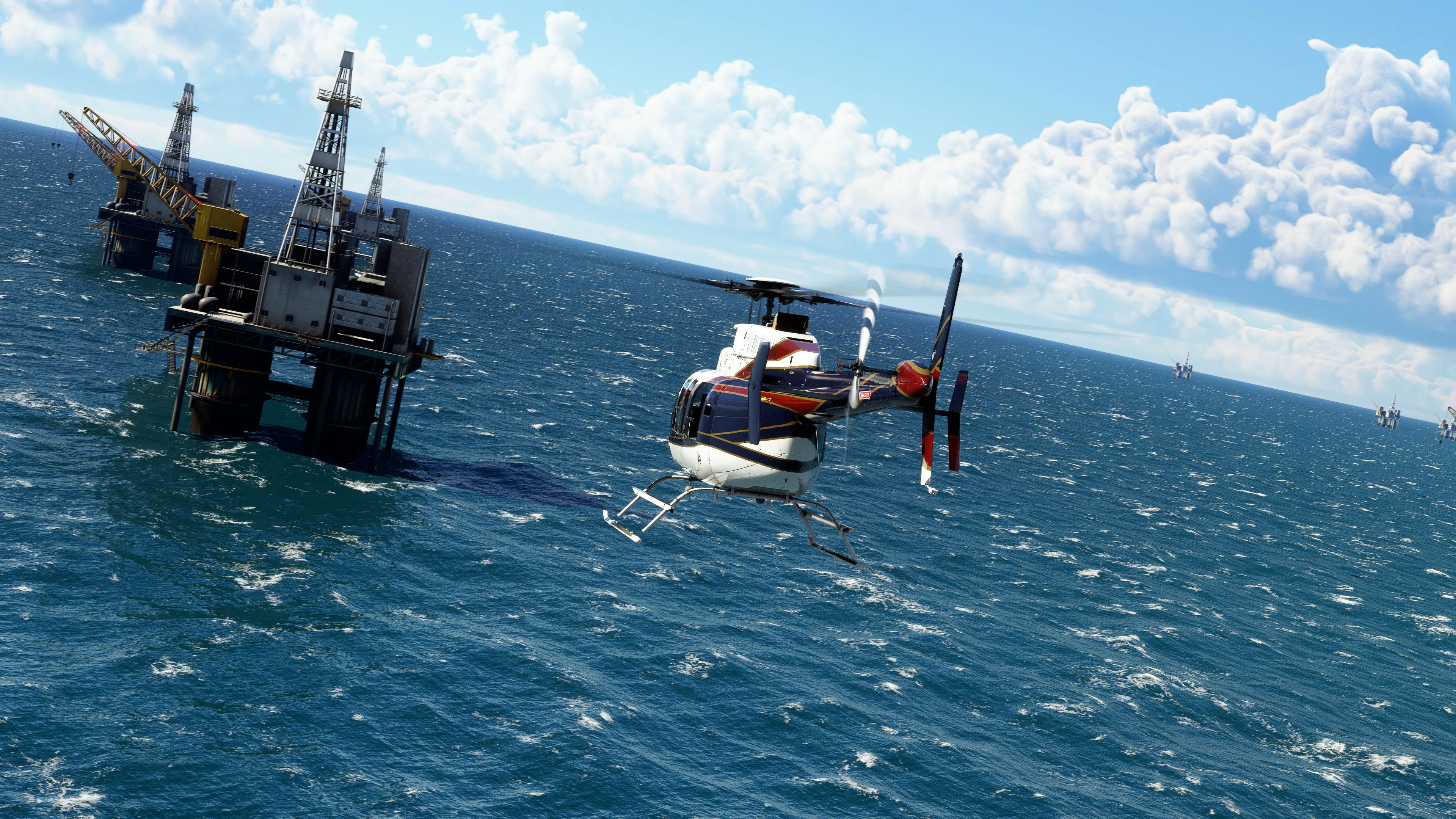
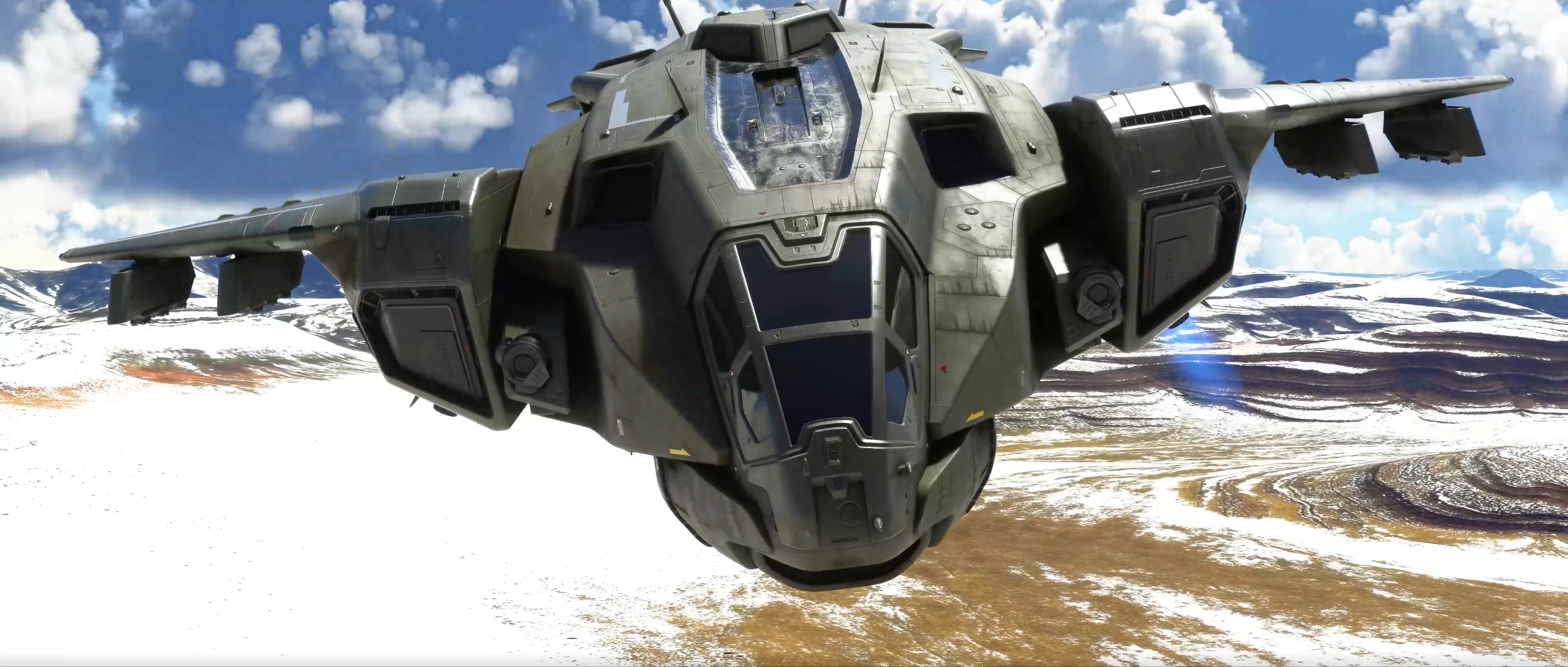
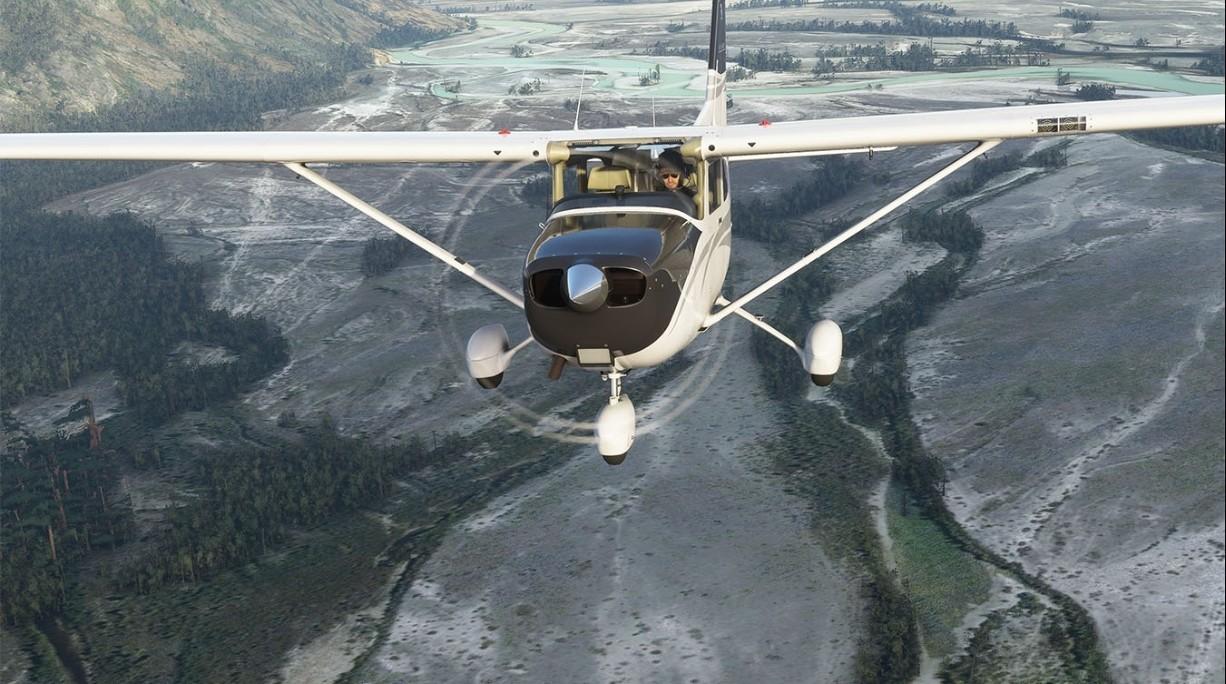
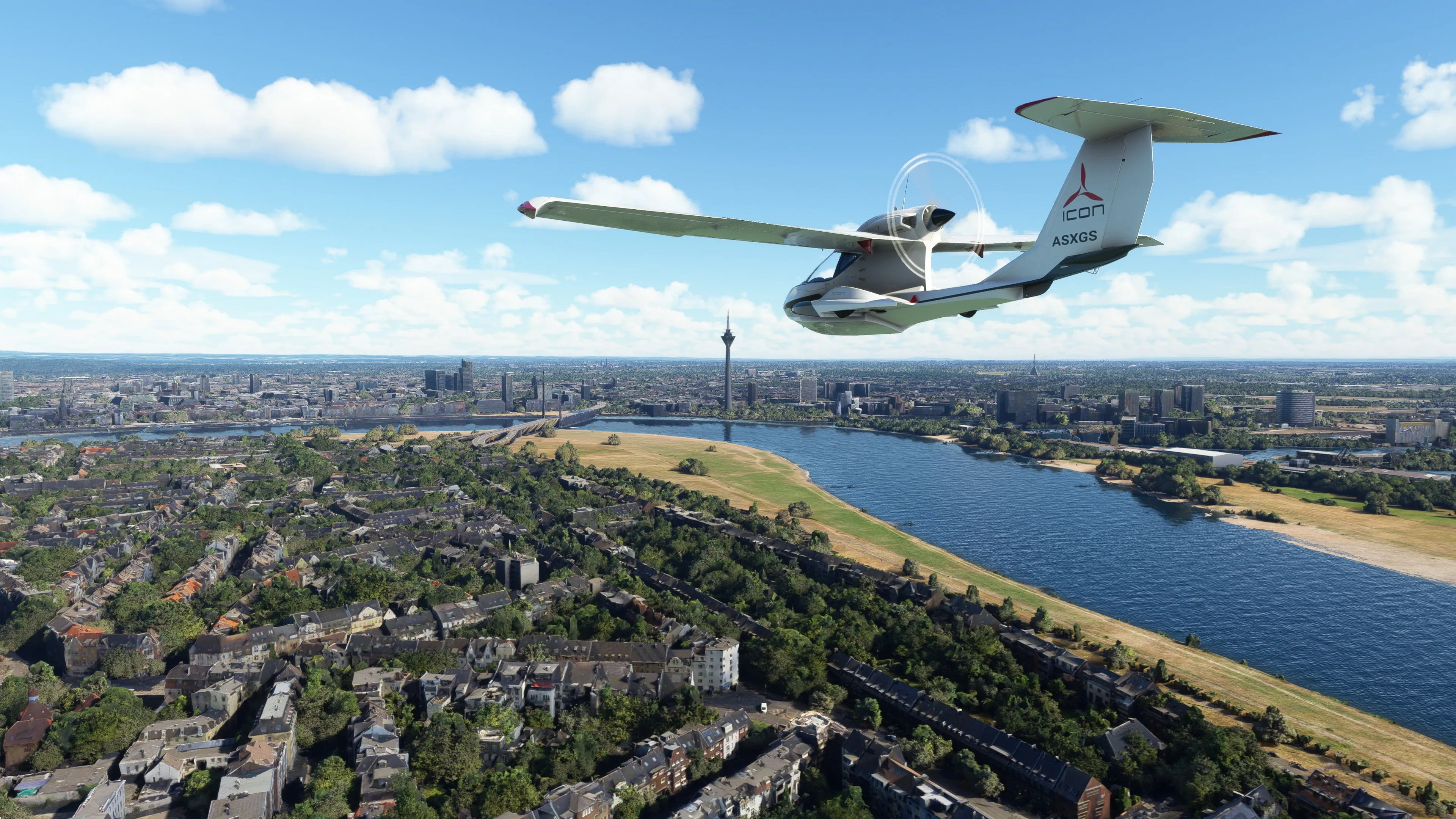
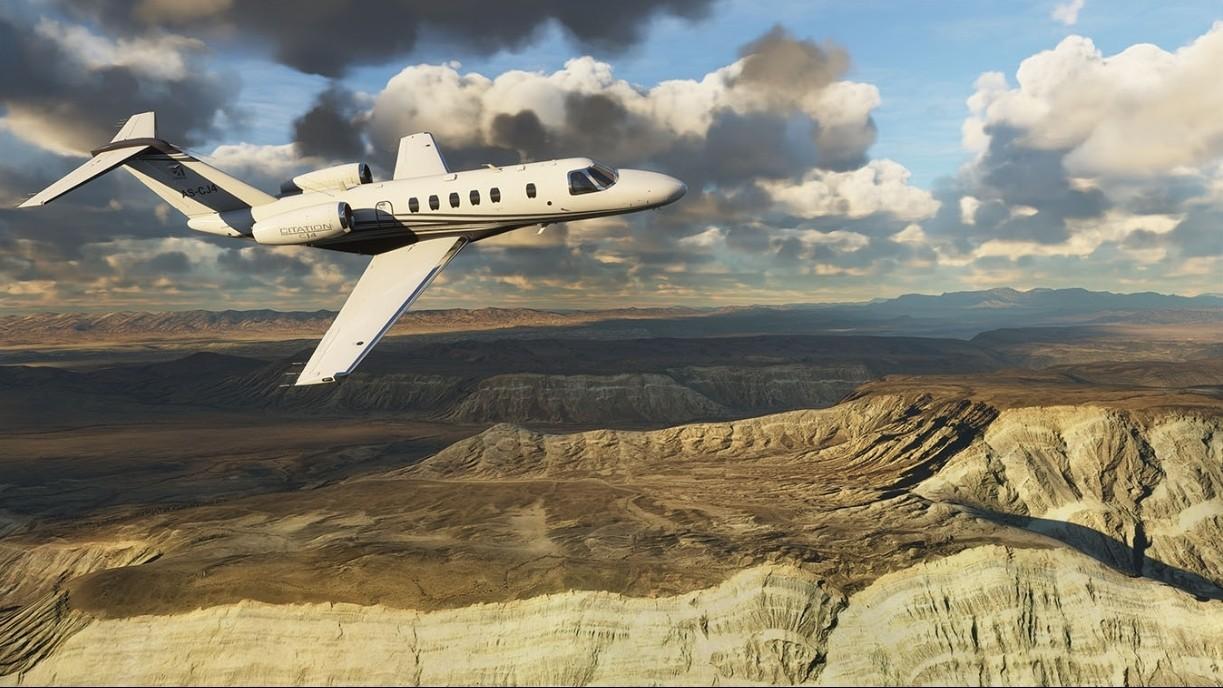
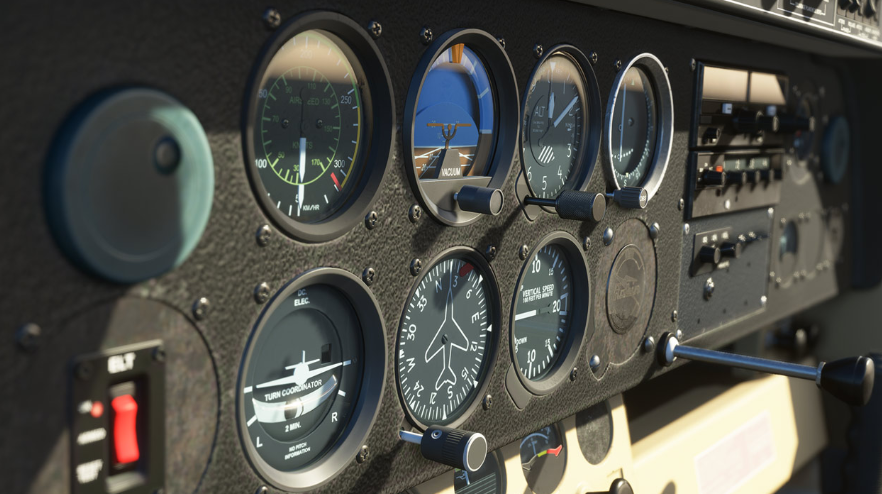
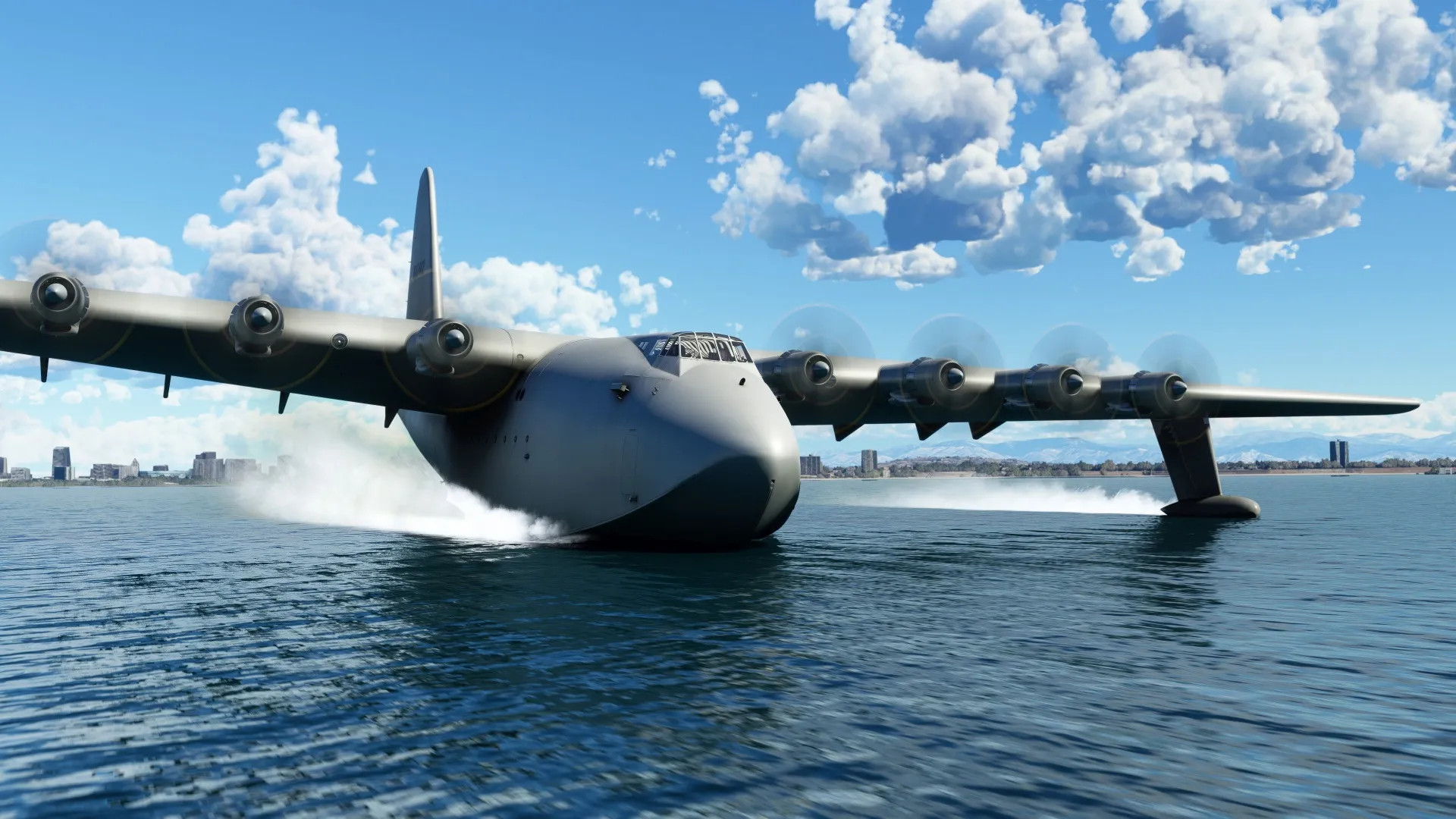
Includes: 4 classic commercial airports 10 glider airports 12 new aircraft 14 heliports 20 classic missions from the franchise’s past The Microsoft Flight Simulator 40th Anniversary Edition will feature, for the first time since 2006, helicopters and gliders, the most requested enhancements by our community. In addition to the helicopters and gliders, we will introduce another highly requested community feature: a true-to-life airliner, the sophisticated Airbus A-310, where nearly every single button works just as expected. Celebrate the storied history of aviation with seven famous historical aircraft in the Microsoft Flight Simulator 40th Anniversary Edition. These aircraft include the 1903 Wright Flyer, the 1915 Curtiss JN-4 Jenny, the 1927 Ryan NYP Spirit of St. Louis, the 1935 Douglas DC-3, the beautiful 1937 Grumman G-21 Goose, the 1947 Havilland DHC-2 Beaver, and the famous 1947 Hughes H-4 Hercules (the largest seaplane and largest wooden plane ever made), also known as the Spruce Goose.We are also adding four classic airports, including Meigs Field in Chicago, a traditional starting airport for the Microsoft Flight Simulator franchise. It is an exciting update full of aviation history to celebrate our community and the beauty of aviation! The sky is calling!
Screenshots
Details
| Platform | Steam |
| Release Date | 18 Aug 2020 |
| Region | Region Free |
| Type | Digital CD Key |
| Delivery | ⚡ Instant |
| Languages | English, French, Italian, German, Spanish + more |
| Review Score |
★★★★★
★★★★★
91%
|
Why CDKeysIsland
⚡ Instant Delivery
Get your game key immediately after purchase via email. No waiting, no delays.
🔑 100% Genuine Key
We sell only legitimate digital keys. No accounts, no grey market tricks.
🛡️ Lifetime Warranty
Every key comes with a lifetime warranty. If it doesn't work, we fix it — always.
🏴☠️ Permanent Ownership
Your key is yours forever with no restrictions, subscriptions or expiry dates.
Microsoft Flight Simulator 40th Anniversary Steam Account
- Download and install Steam on your PC
- Sign in to your Steam account (or create one for free)
- Click "Add a Game" in the bottom-left corner → "Activate a Product on Steam"
- Enter your unique key from the Orders page
- Game is added to your library — ready to download!