About the Game
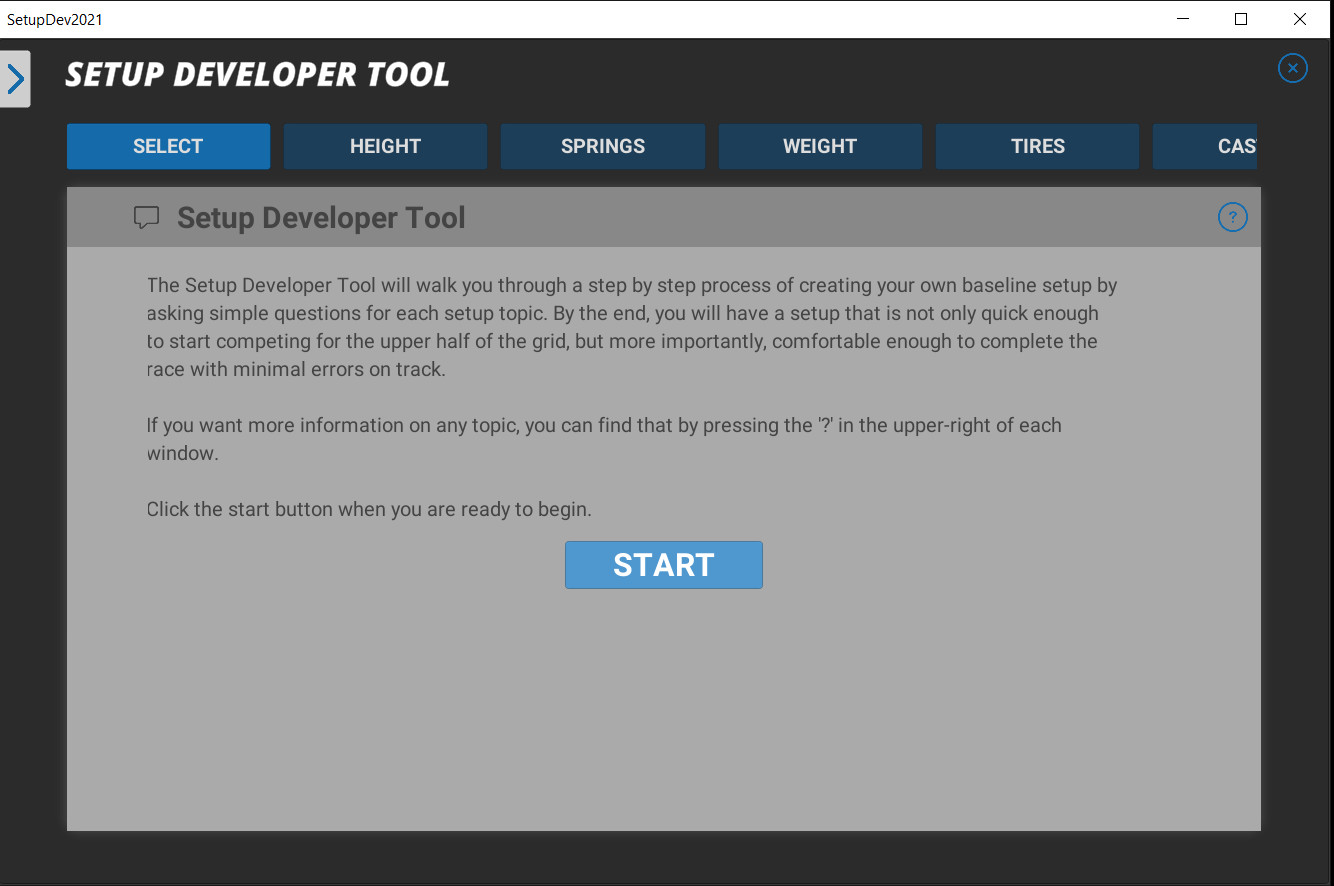
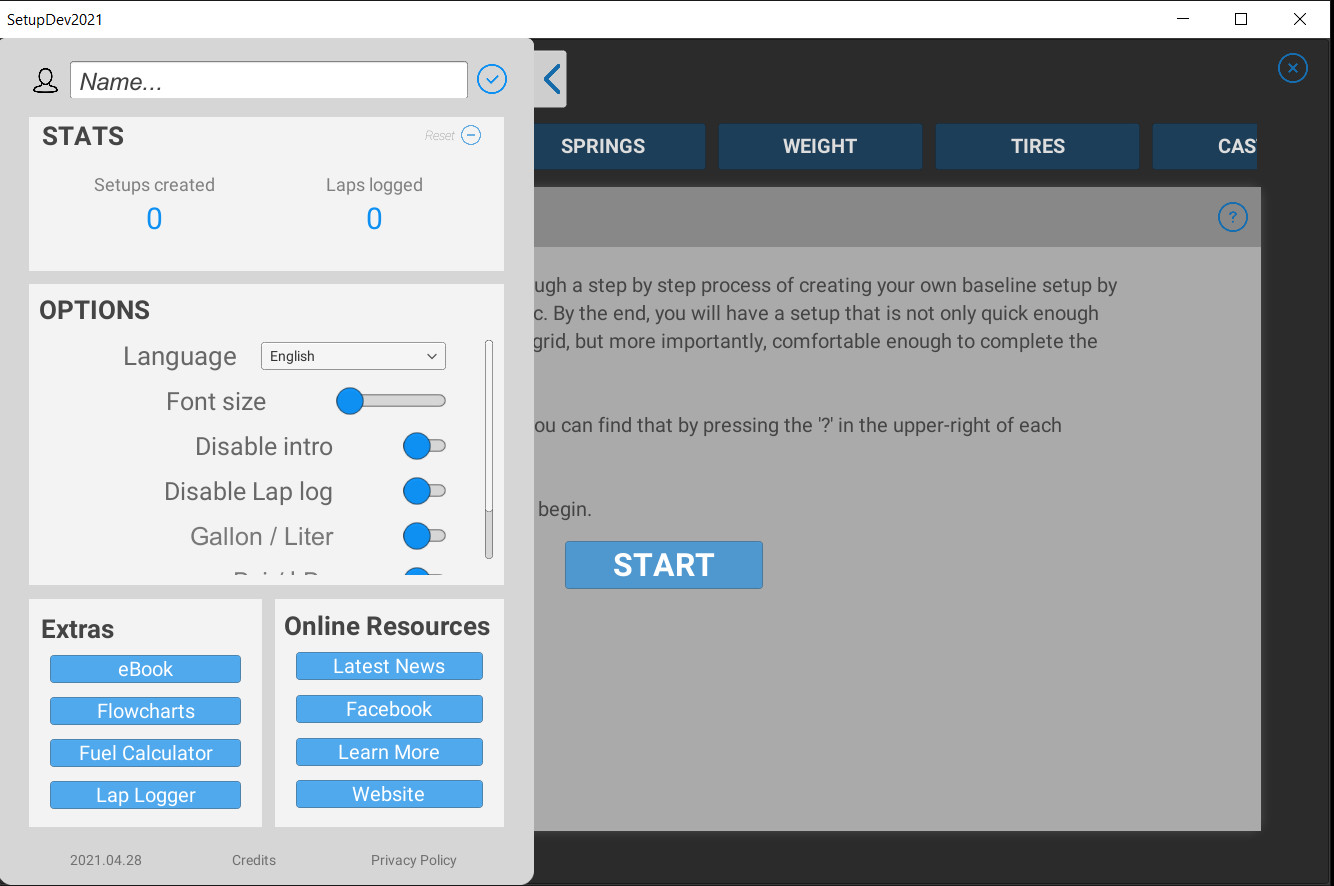
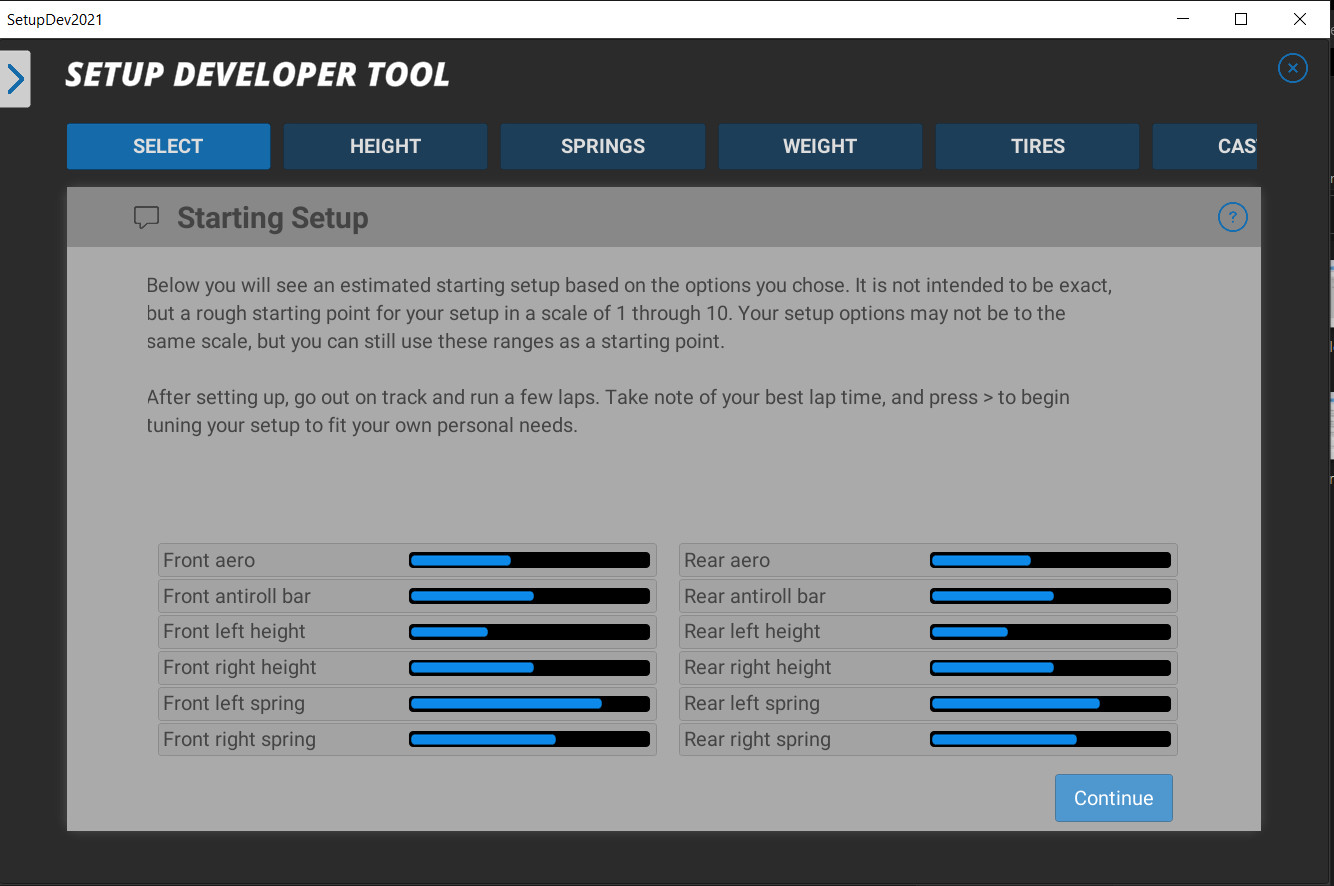
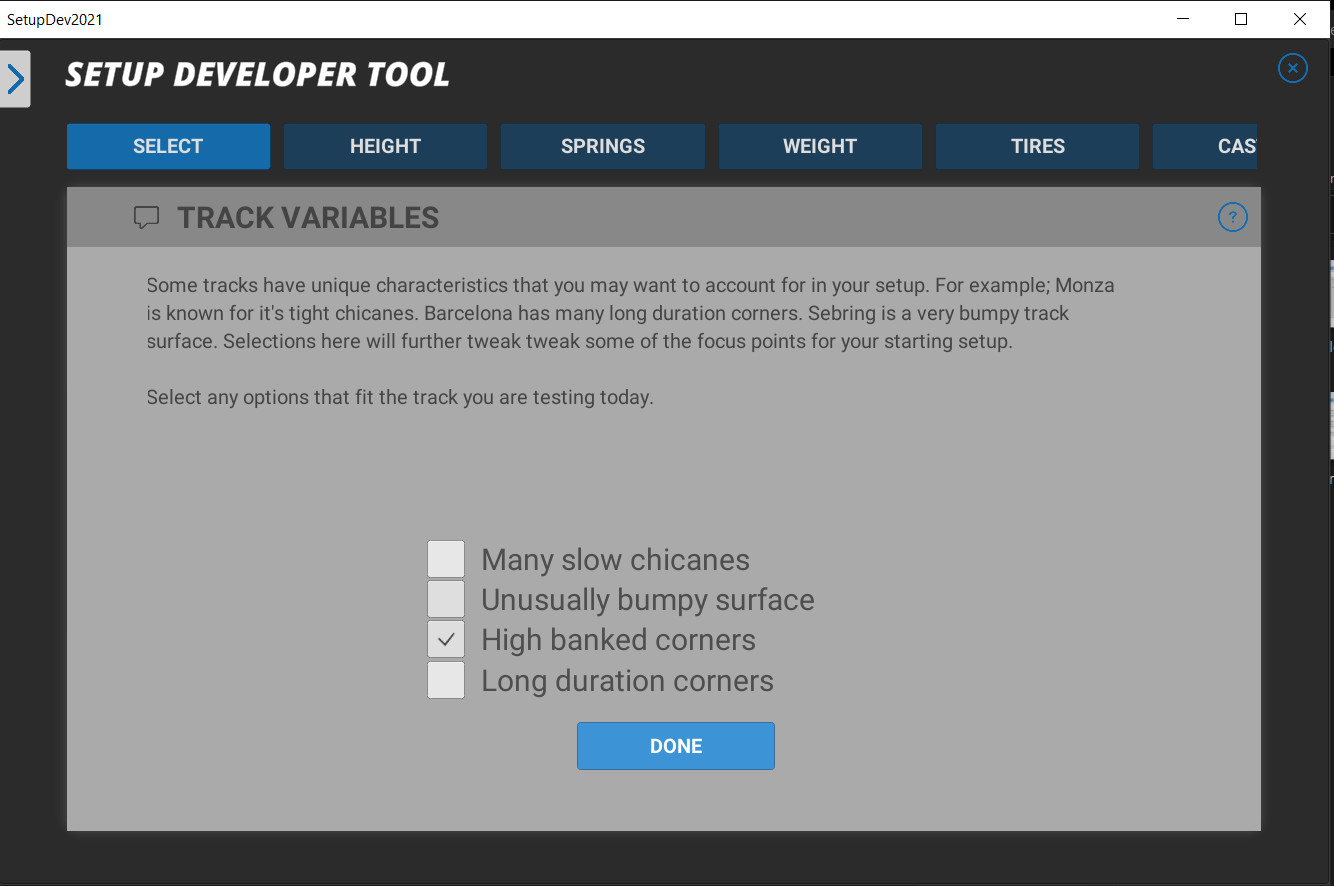
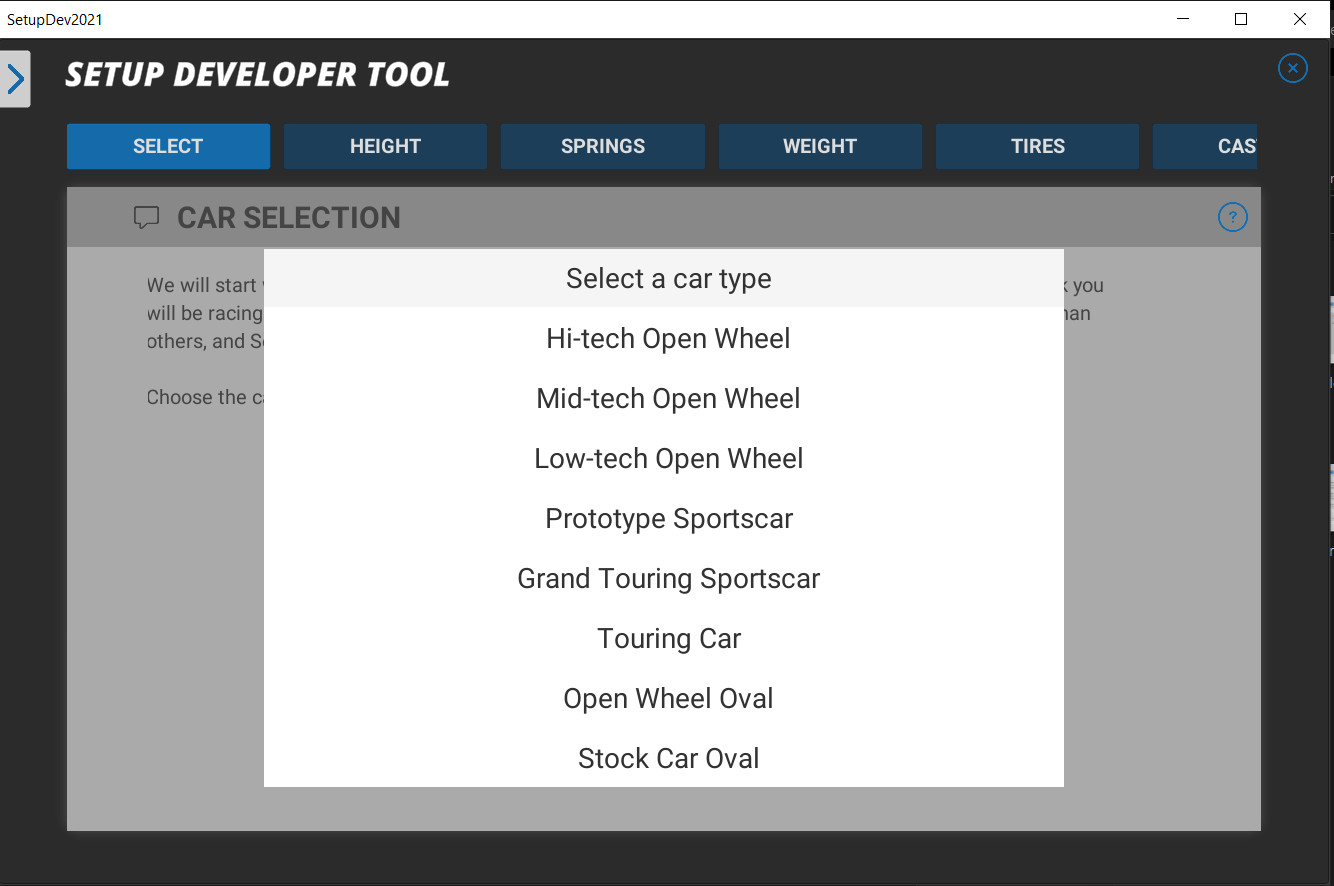
Beginner level race car setup tuning software So you know nothing about setting up a race car? Want to build your own setups but don't know where to start or what anything means? The Setup Developer Tool is for you. SDT will walk you through a step by step process of creating and customizing your very own personalized baseline race setup. It does so by asking simple questions about the car type, track type, and behavior of the car on track. Choosing from a menu of possible responses to the questions, the user describes the car and SDT offers valid setup changes for each step in the process, ultimately resulting in a user-created baseline setup personalized to your own needs. Product features Easy to use tablet style interface Choose car type, track type, and track traits to generate a starting setup Lap logging and reporting including new graph for easier reading Fuel calculator; full race, race remaining, & number of stops required Uses driver feedback to create setup to your personal needs Works with all modern sim-racing games, and real world cars Supports open wheel, sports cars, touring cars, and stock cars Both road course and oval style race tracks supported English, Portuguese, Turkish, Dutch, and Italian translations (more to come) SDT covers the following areas of race car setup and tuning: Springs Anti-roll bars Tire pressures Camber Caster Toe Gearing Differential Weight distribution Dampers Aerodynamics Cross weight (Stock car only) Trackbar (Stock car only) The Setup Developer Tool is the product of more than two decades of research in auto racing and race car setup mechanics. The information offered therein is relevant not only to all racing games, but real world applications as well. It can be used with any realistic auto racing software that allows the users to adjust the car setup, including the following: Assetto Corsa, Automobilista, Codemaster F1 series, iRacing, Project Cars, RaceRoom, rFactor, rFactor 2, Stock Car Extreme, Forza, Gran Turismo, and more.
Screenshots
Details
| Platform | Steam |
| Release Date | 31 May 2021 |
| Region | Region Free |
| Type | Digital CD Key |
| Delivery | ⚡ Instant |
| Languages | English, Italian, Turkish, Dutch |
Why CDKeysIsland
⚡ Instant Delivery
Get your game key immediately after purchase via email. No waiting, no delays.
🔑 100% Genuine Key
We sell only legitimate digital keys. No accounts, no grey market tricks.
🛡️ Lifetime Warranty
Every key comes with a lifetime warranty. If it doesn't work, we fix it — always.
🏴☠️ Permanent Ownership
Your key is yours forever with no restrictions, subscriptions or expiry dates.
Setup Developer Tool 2021 PC Steam Account
- Download and install Steam on your PC
- Sign in to your Steam account (or create one for free)
- Click "Add a Game" in the bottom-left corner → "Activate a Product on Steam"
- Enter your unique key from the Orders page
- Game is added to your library — ready to download!